User Experience
Prodcut Design
Industry Sponsored
Team
Designer (Me) , Co-founder, Product Owner
Industry
Healthcare-Technology
Overview
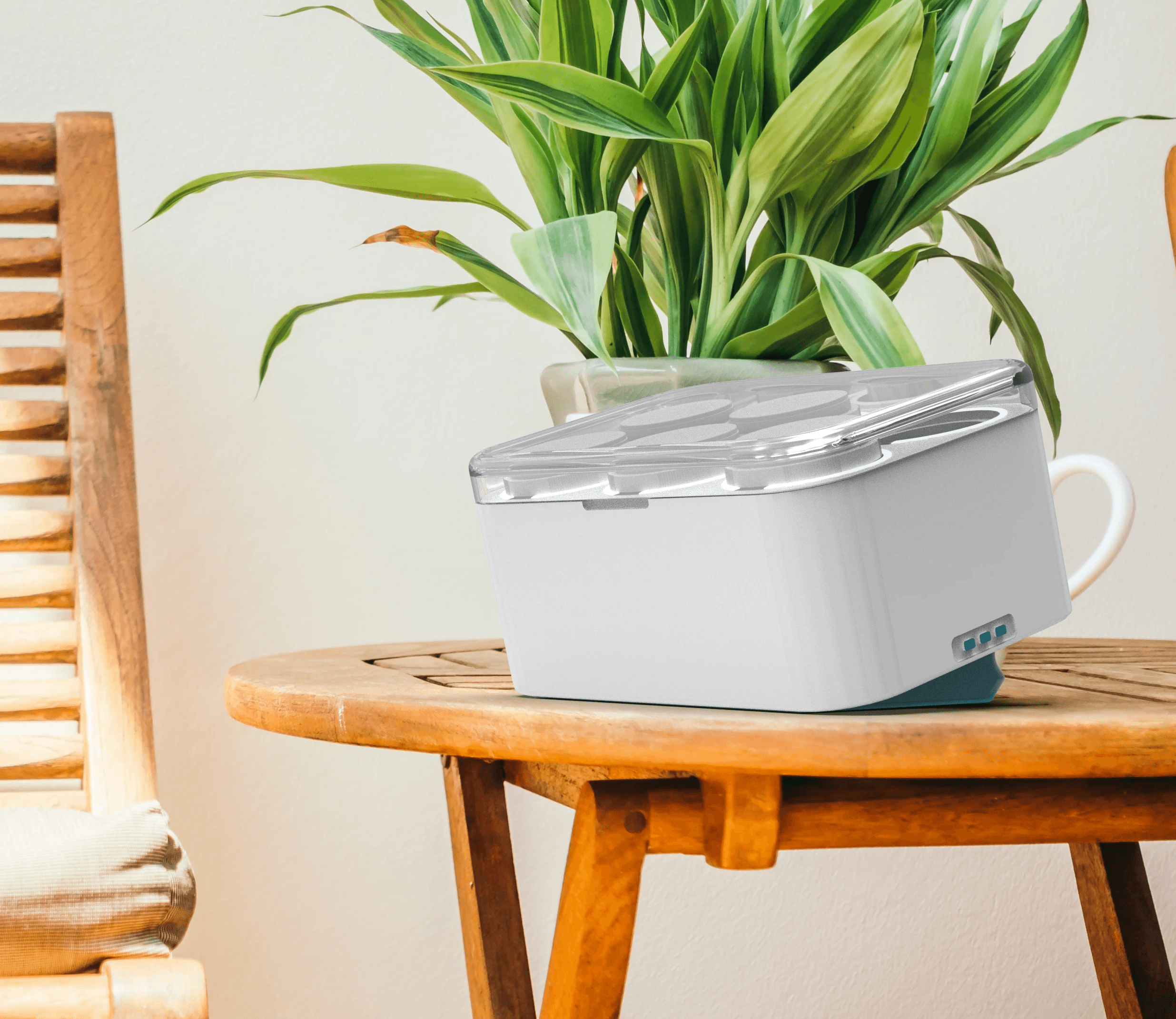
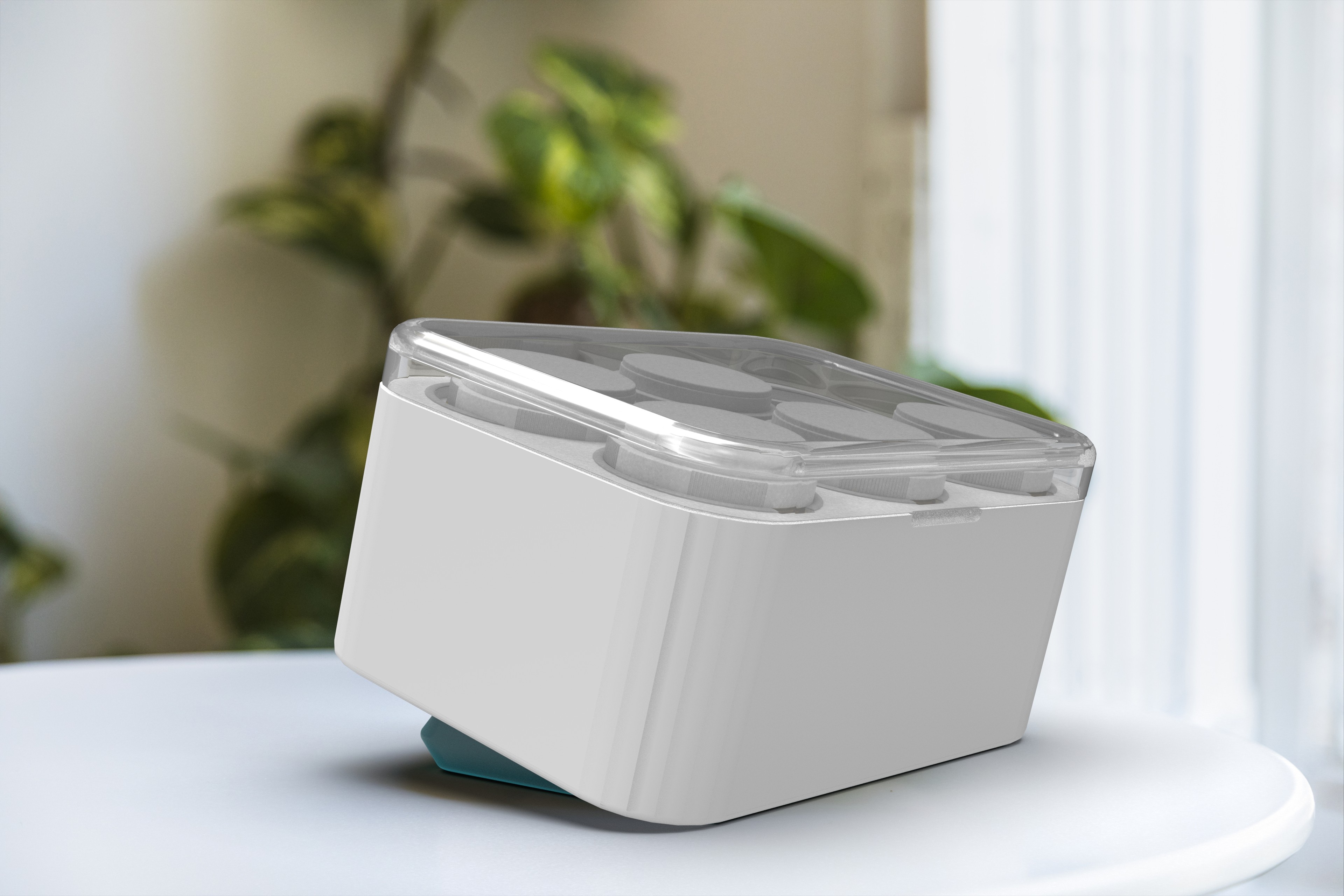
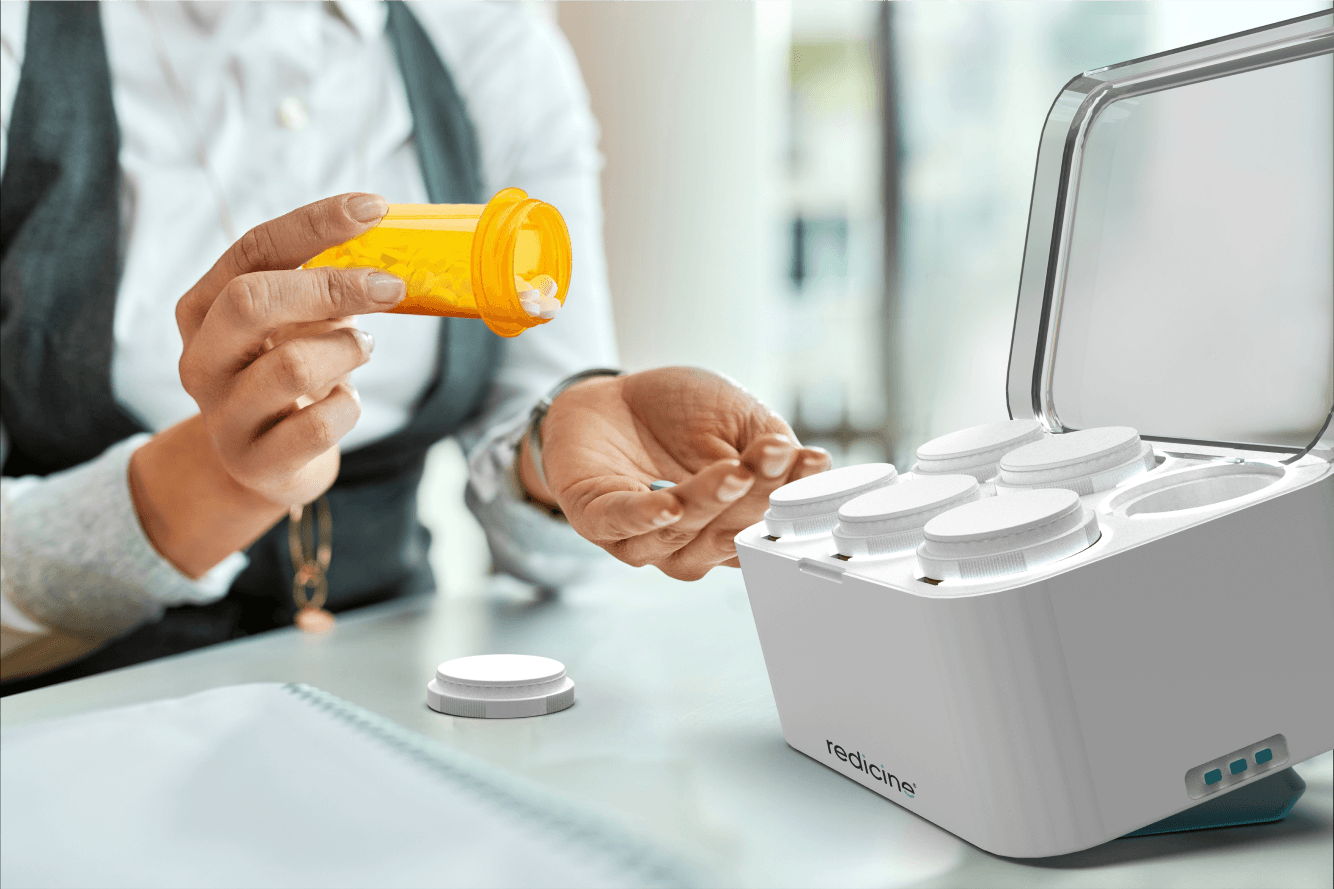
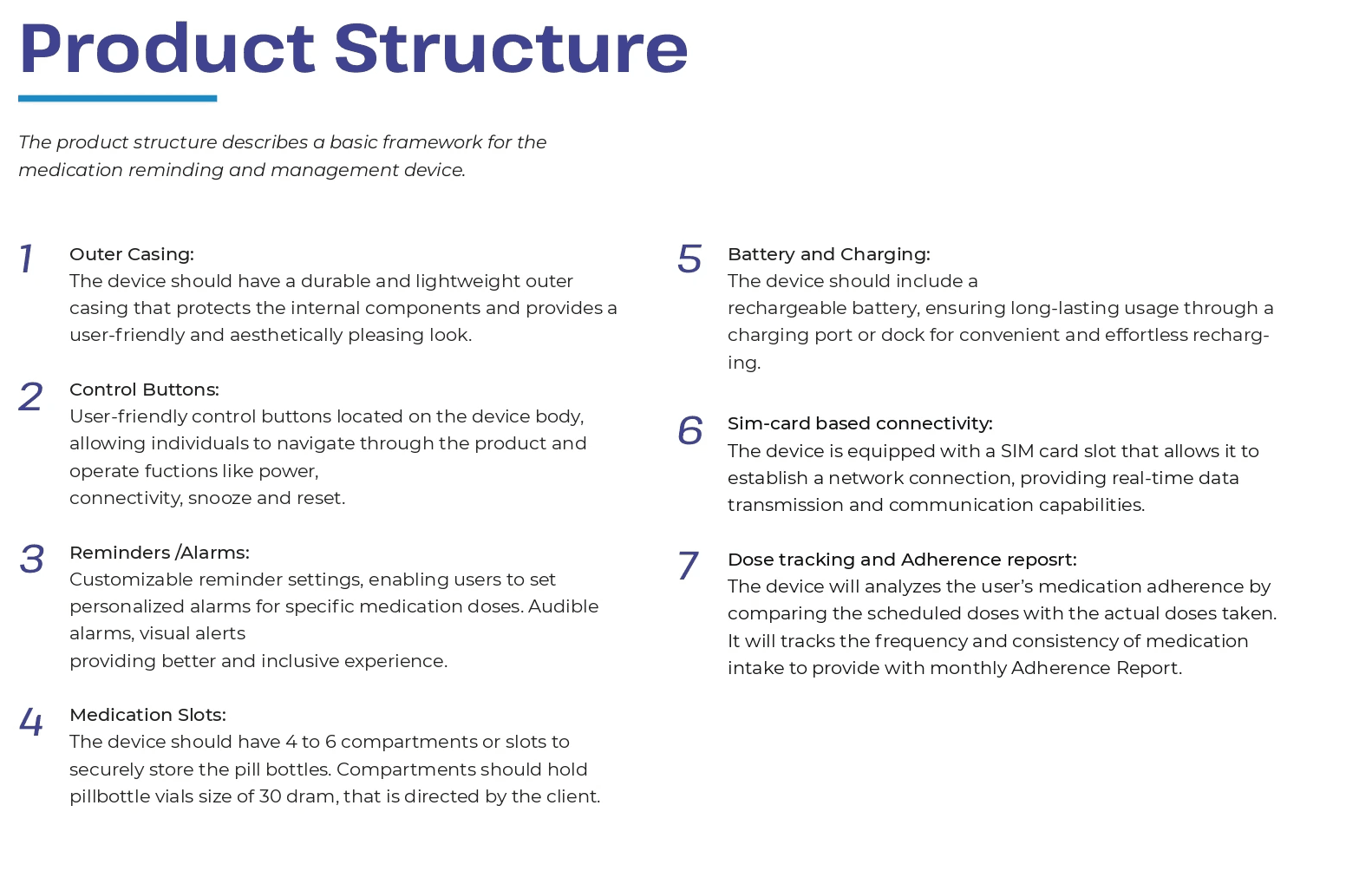
ReMed Pro designs a device to address medication non-adherence in individuals managing chronic diseases or multiple medications. The device will simplify medication routines and promote independence with intuitive features and advanced connectivity.
Designed product (ReMed Pro device) will operate in collaboration with the Redicine App, which facilitates connectivity and enhanced functionality. (Note: The app design is not part of this project).
My contribution
About the sponsor
Redicine Medsol
Redicine Medsol is a visionary health-tech startup based out of Ahmedabad, dedicated to enhancing patient medication adherence through innovative products and solutions. With a deep understanding of the critical role medication adherence plays in improving health outcomes, Redicine Medsol is driven by a mission to empower patients and healthcare providers with effective tools to ensure optimal medication adherence.
In summary, Redicine Medsol is on a mission to transform healthcare by developing innovative products and solutions that improve patient medication adherence.
Design Brief
“Design and develop a pill storage and reminding device for the US market, aiming to assist individuals who are on multiple medications or have chronic diseases and face challenges in adhering to their prescribed medication regimens.”


Prescription Drug Users
Prescription drug use is associated with age, gender, race and ethnicity, income, and health status. For example, prescription drug use increases with age. Around 66% of people in the United States take at least one prescription medication. The average number of prescriptions taken is 4 per person, but that number rises significantly for chronic conditions.
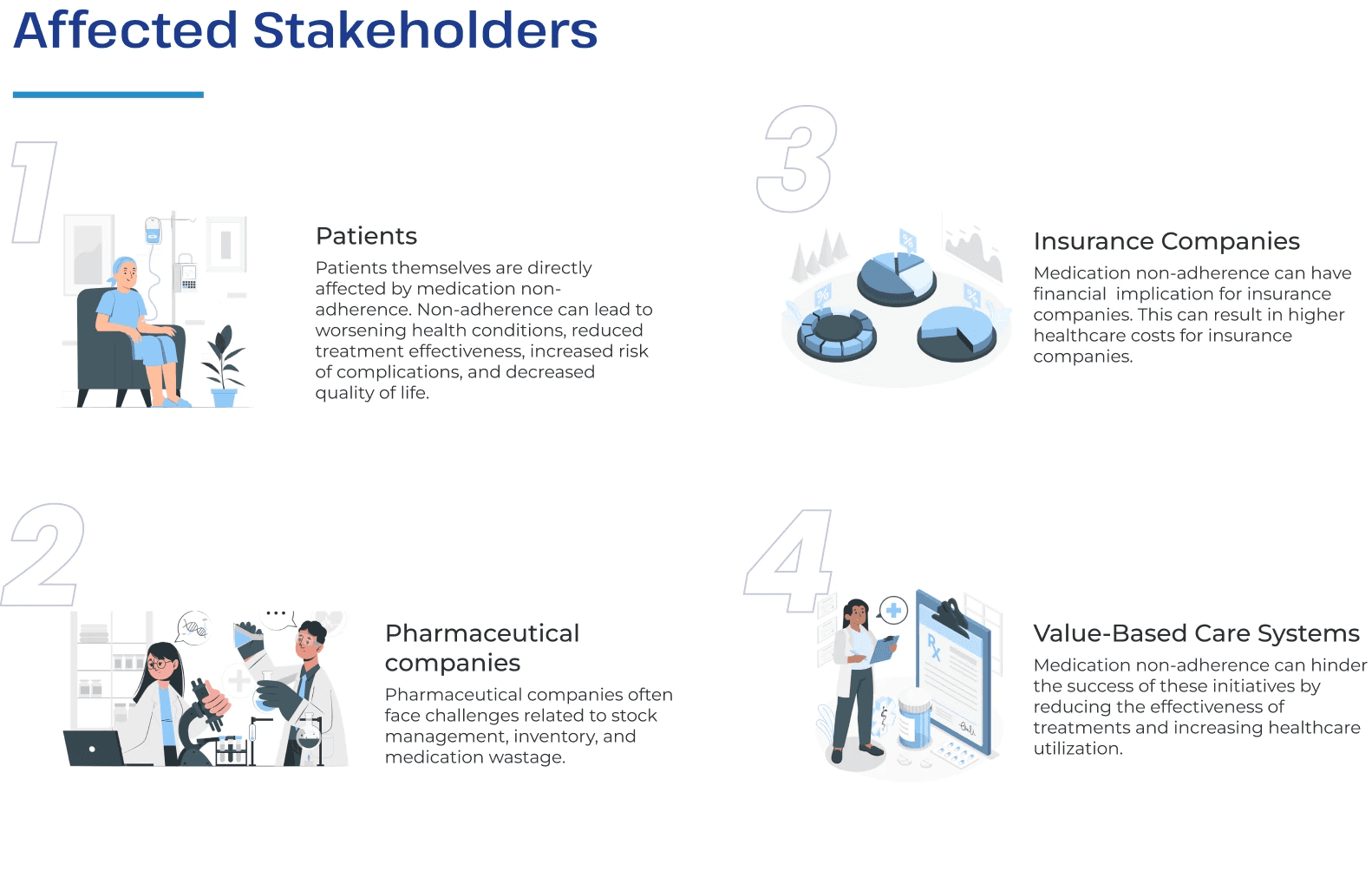
Regardless, medication is one of the largest expenditures in the healthcare industry.
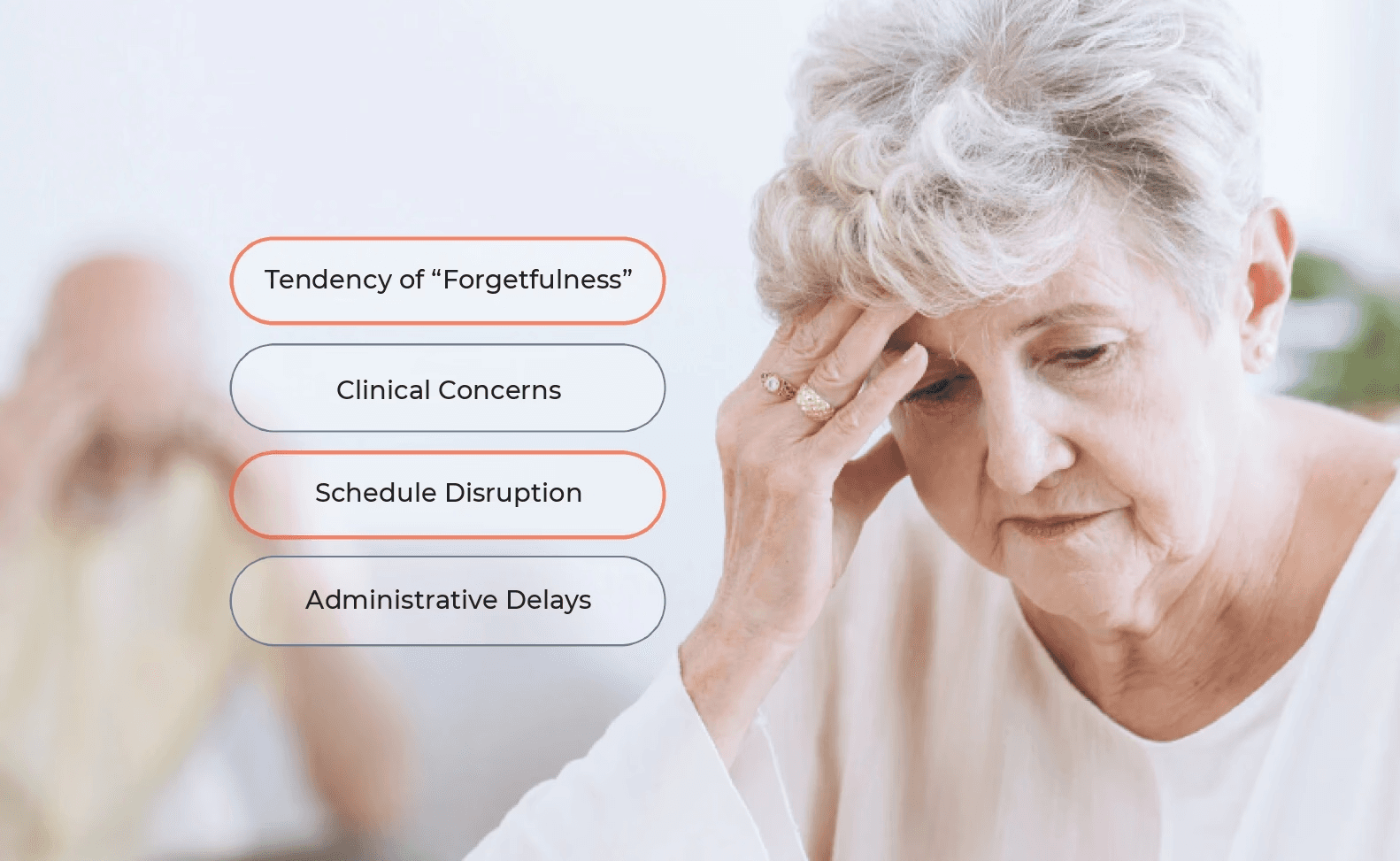
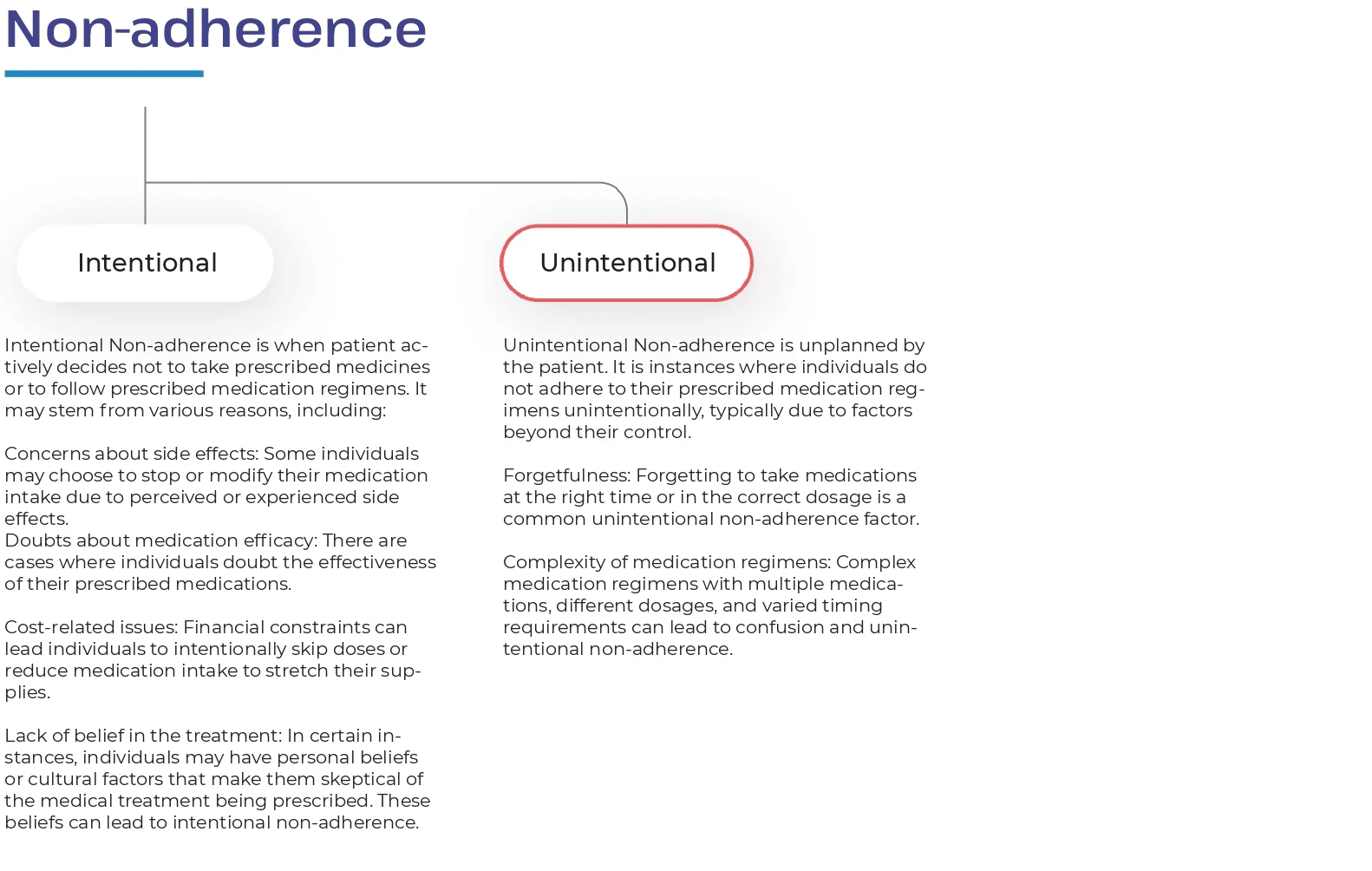
What is medication non-adherenece?
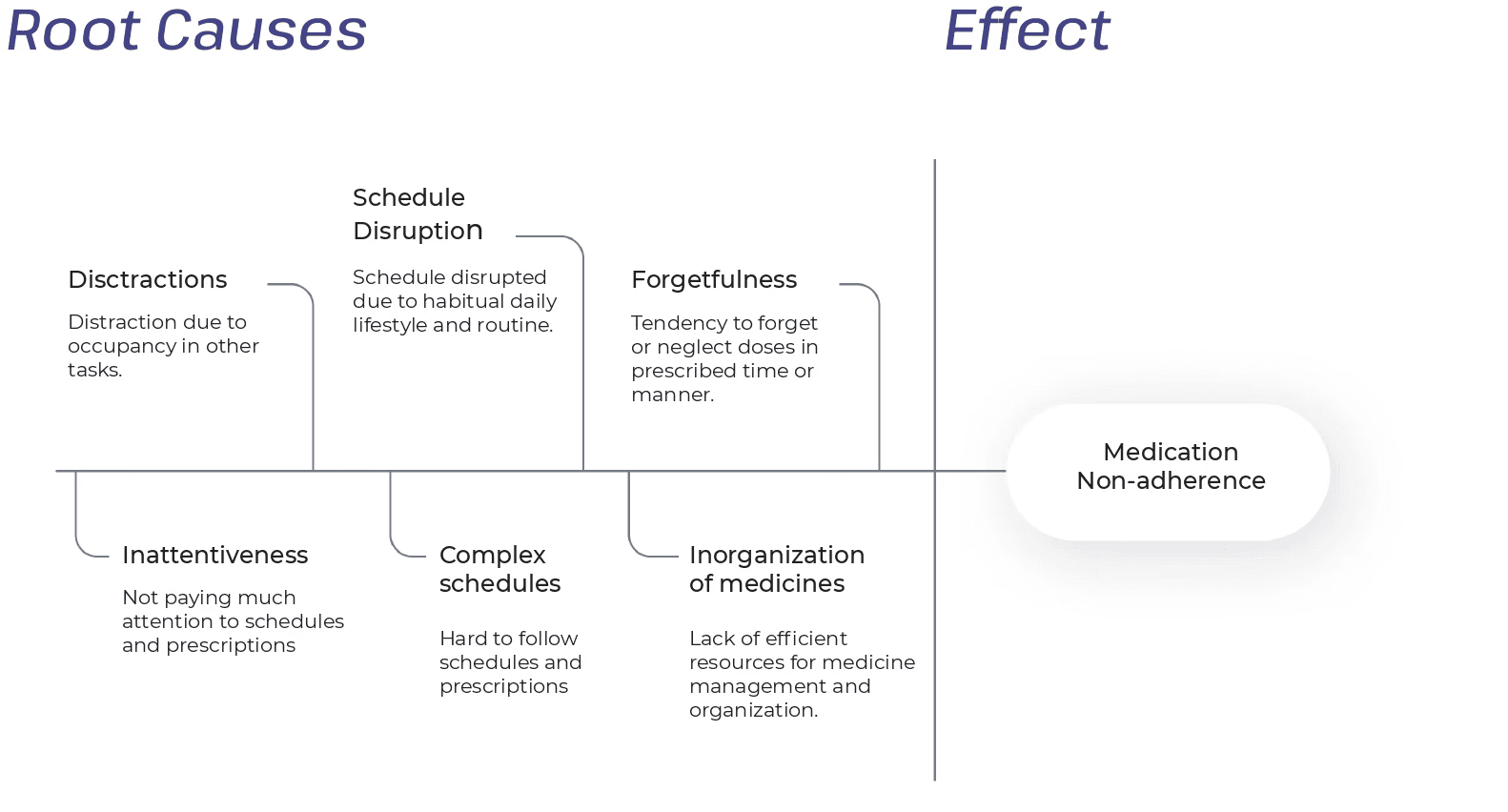
Key responsible factors
User Research & Insights gathering
Qualitative Research
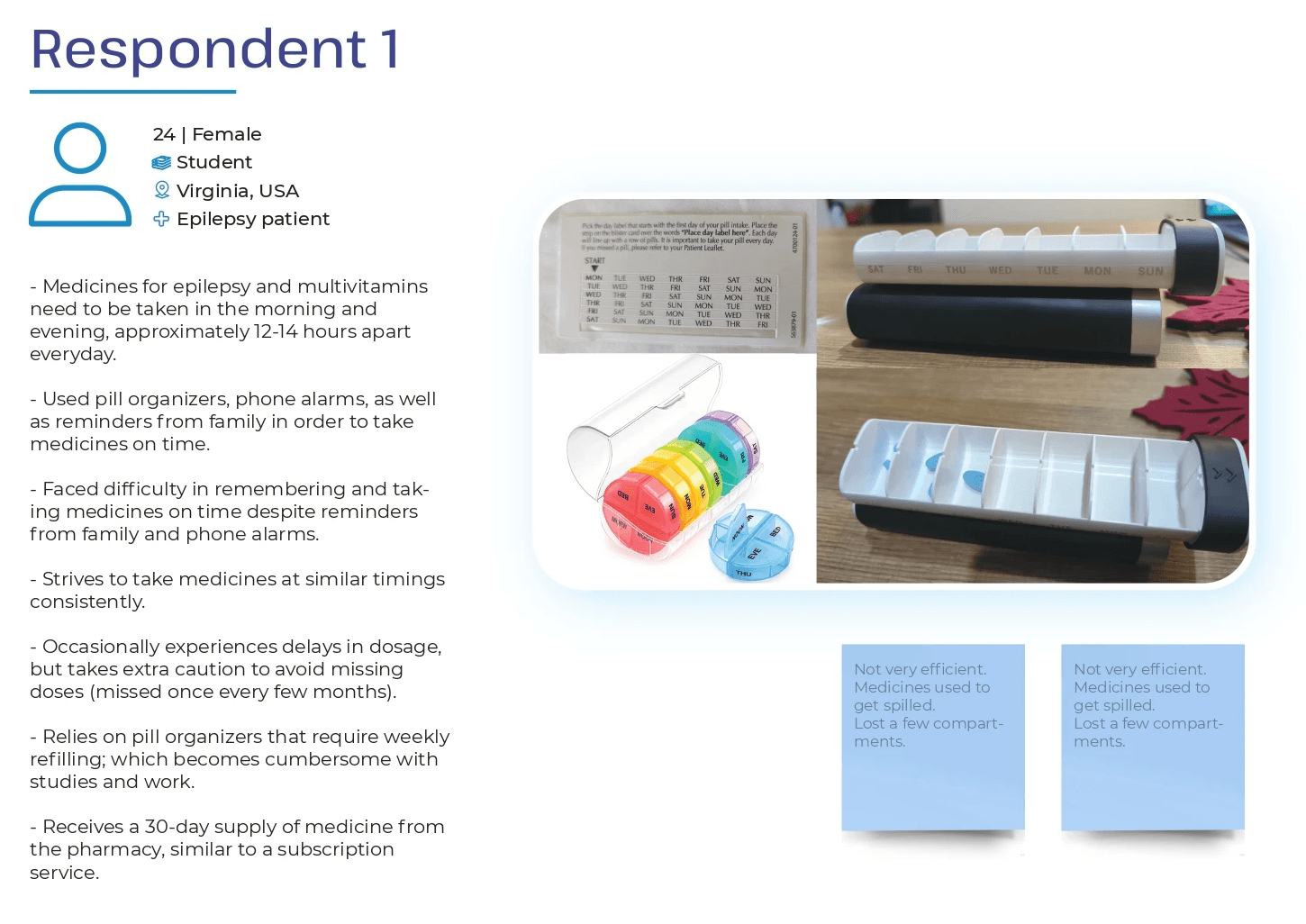
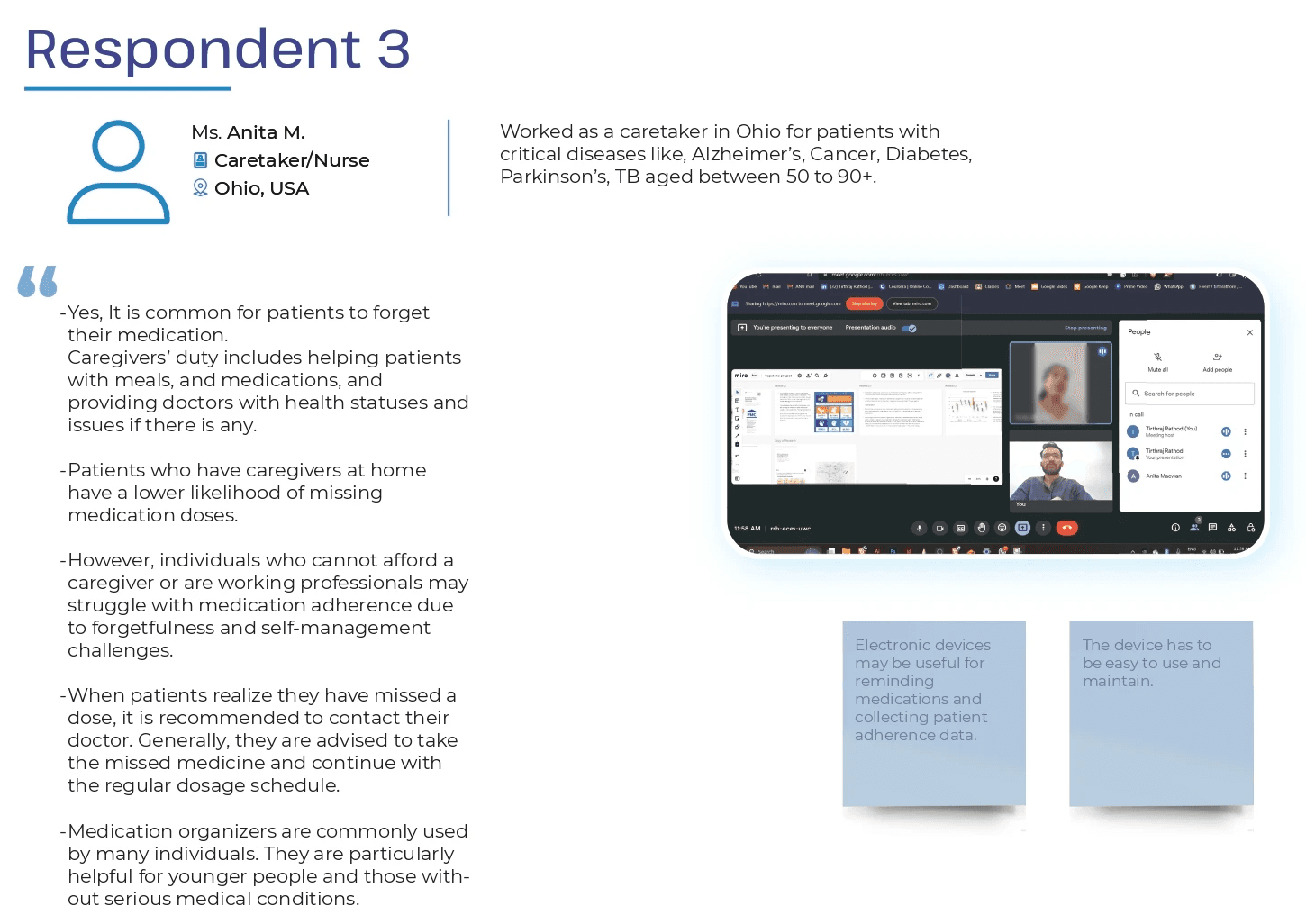
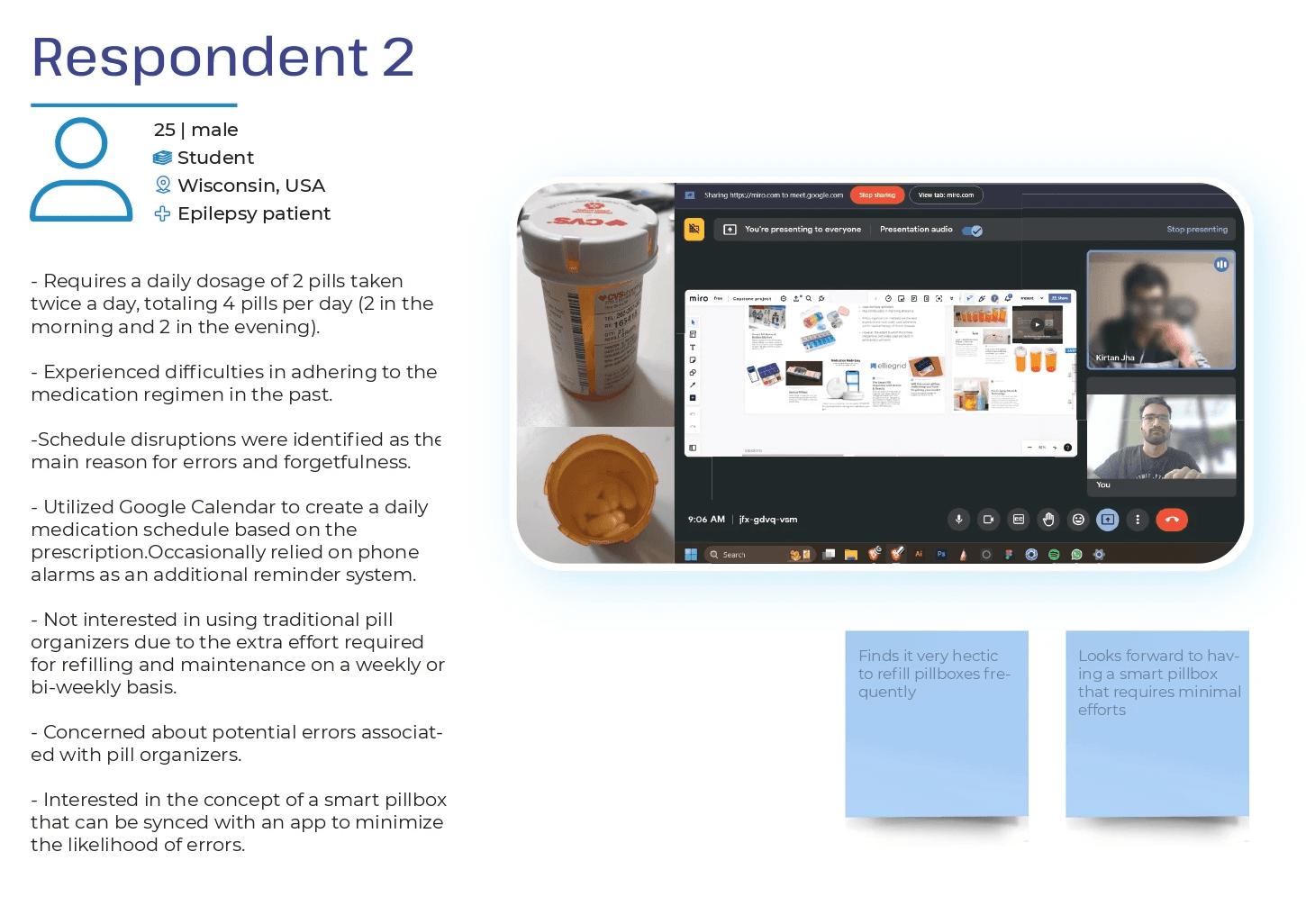
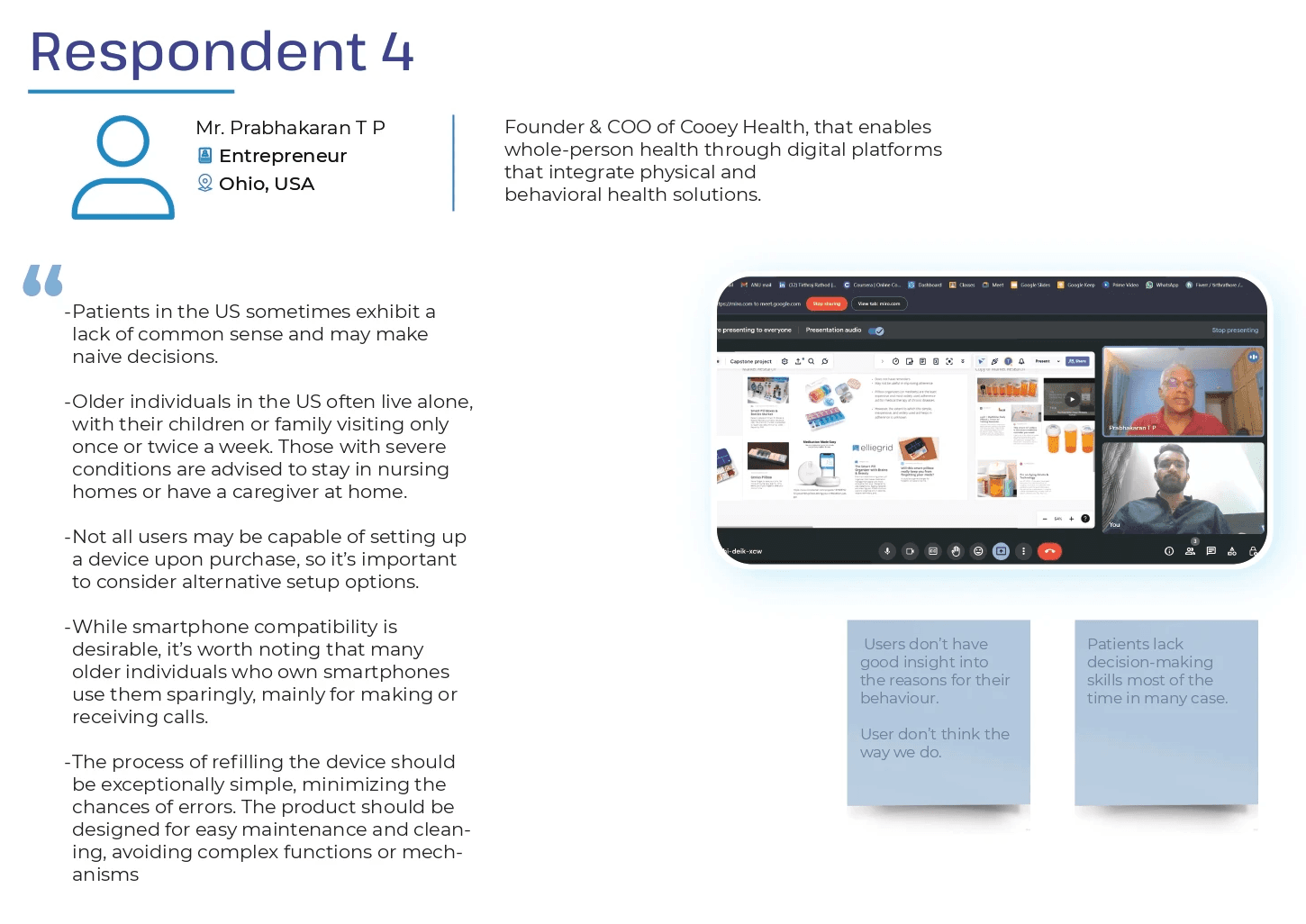
The research was conducted through Informal Conversation research method that is a qualitative research approach which involves engaging in casual and unstructured conversations with participants to gather in-depth insights into their experiences, beliefs, and perspectives.
In order to gather diverse insights around this domain, I decided to talk to a few patients who took medicines on regular basis, a healthcare provider, and a healthcare startup founded solving similar problem for patients.
User Research & Insights gathering
Quantitative Research
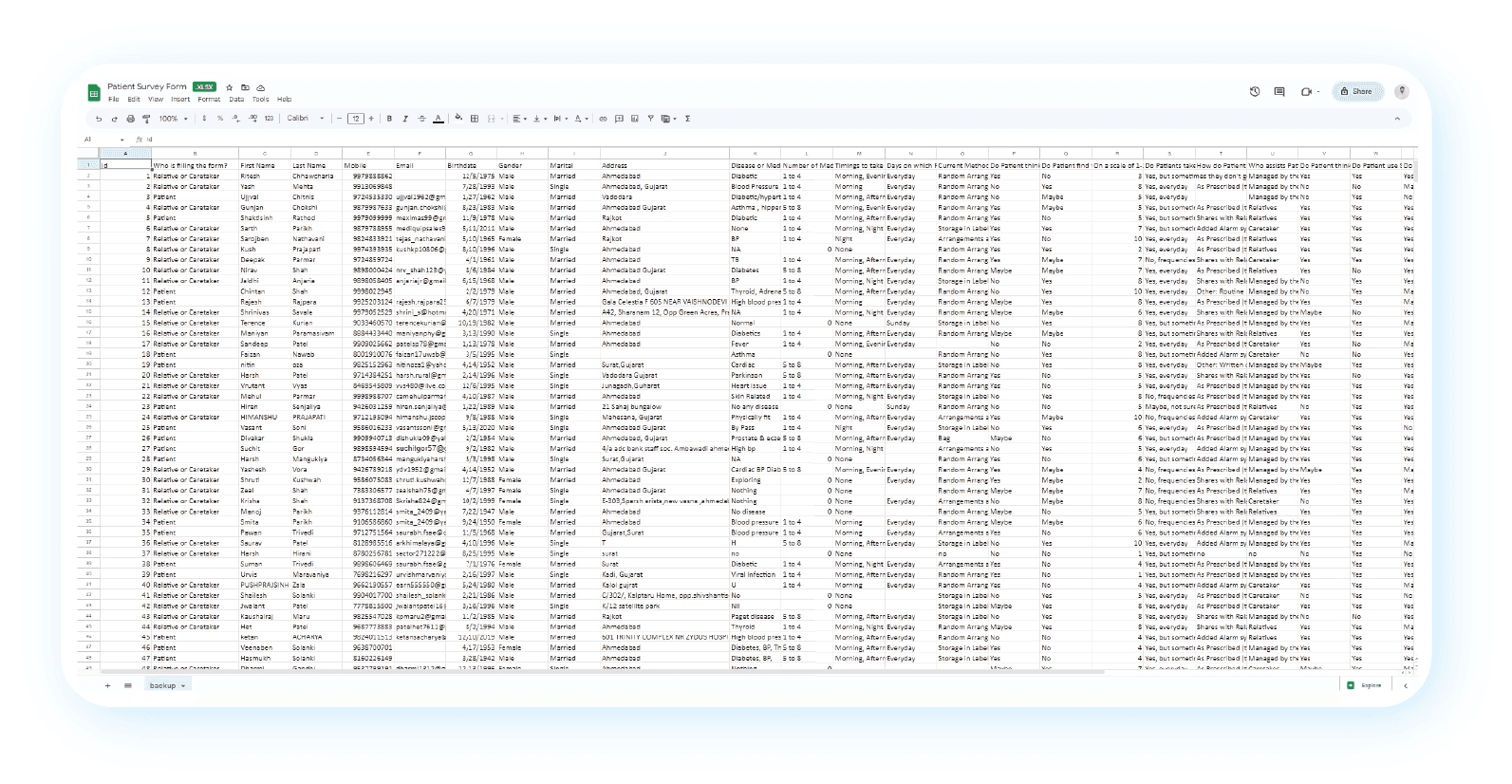
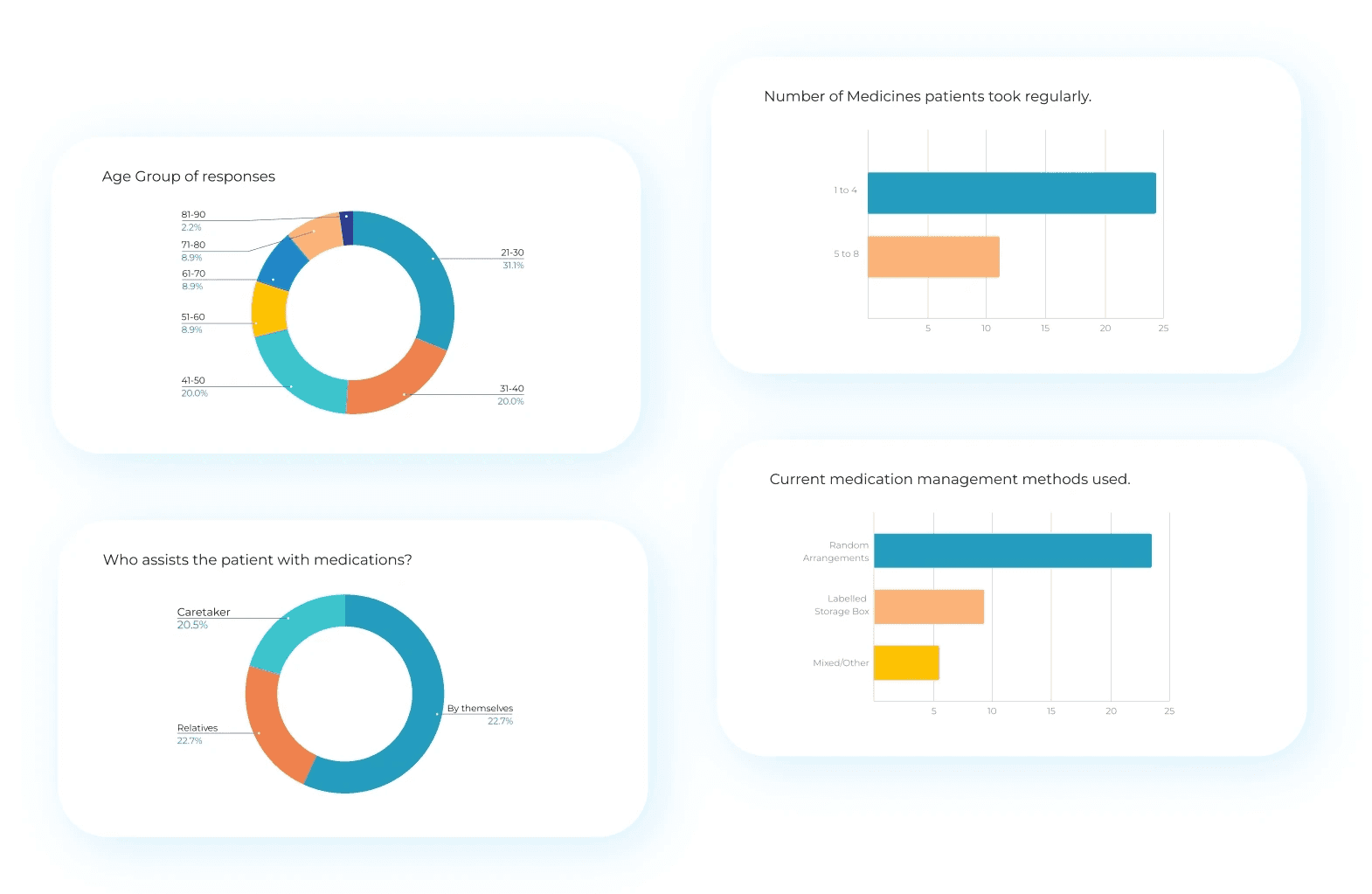
Used online survey forms to gather quantitative user data as it allows to reach a large and diverse population and can be easily distributed to participants globally, breaking geographical barriers and reaching a larger sample size
Total responses: 48
Key takeaways
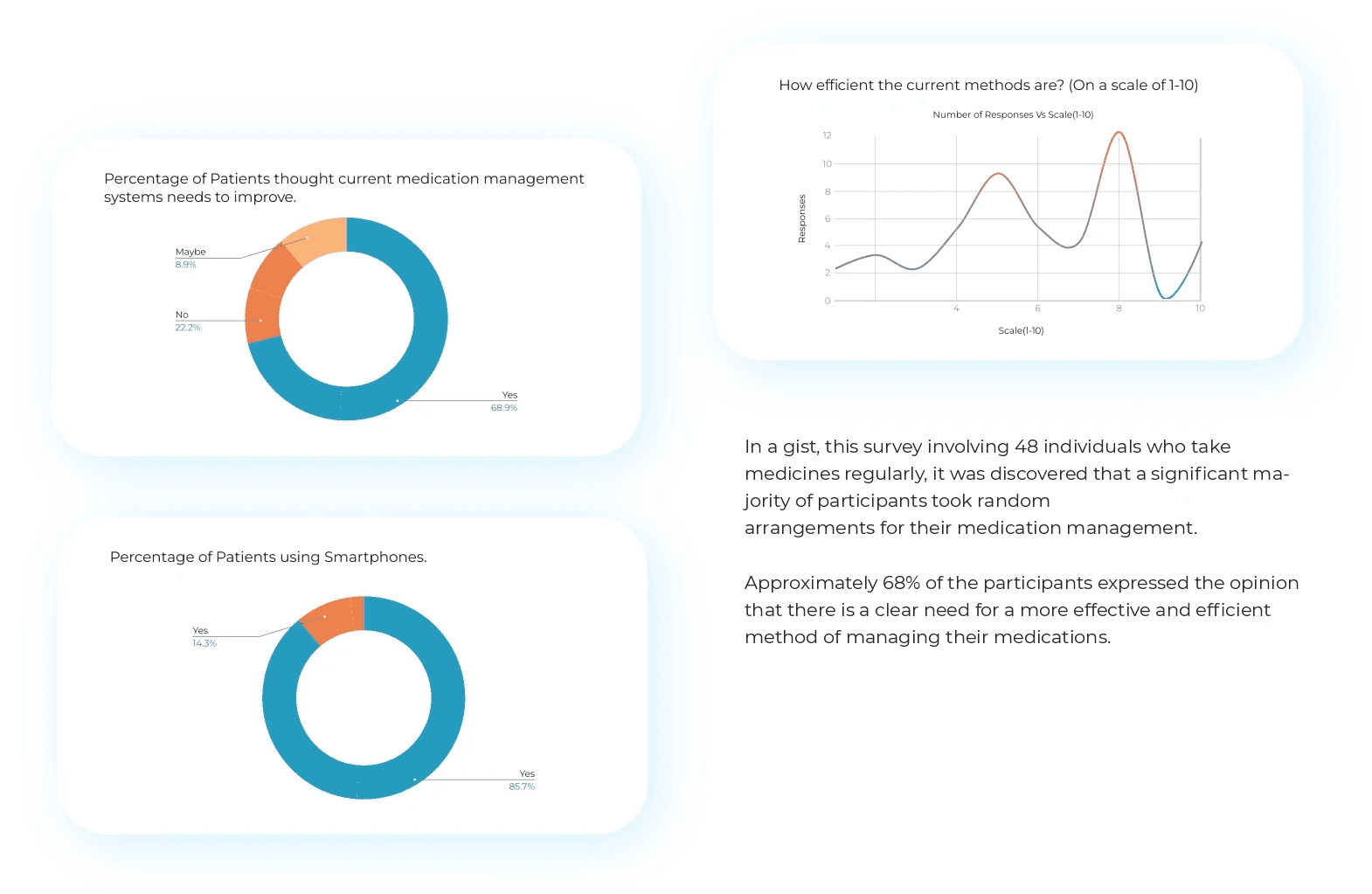
Majority of participants rely on random or inconsistent methods for medication management.
Some use labeled boxes, but these lack integrated reminders or tracking features.
A significant portion of respondents expressed a need for more efficient and effective medication management solutions.
Over 85% of participants regularly use smartphones, highlighting the potential to integrate mobile technology for medication management.
Integrating technology with medication management improves adherence, fosters independence, and enhances health outcomes.
Design phase
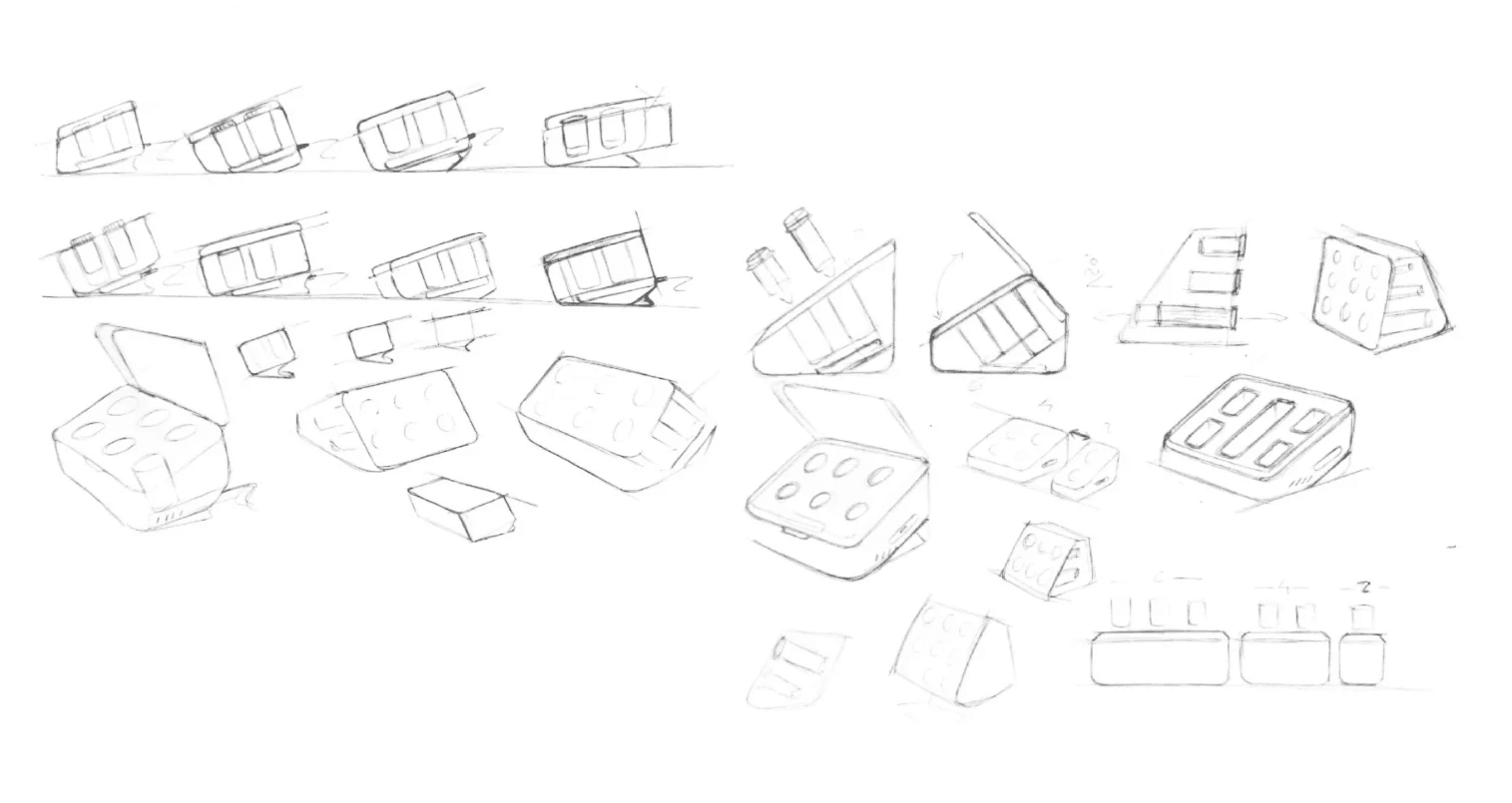
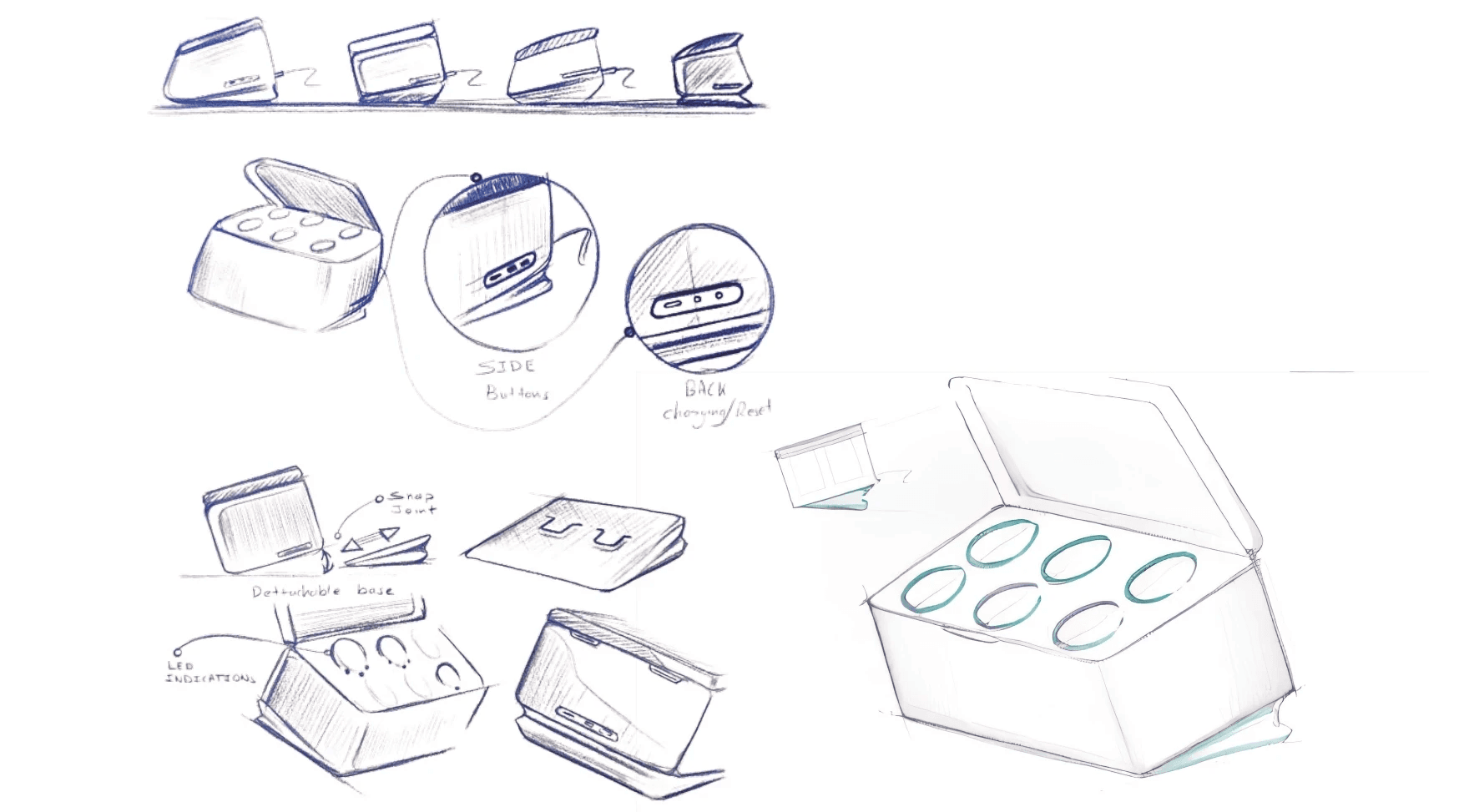
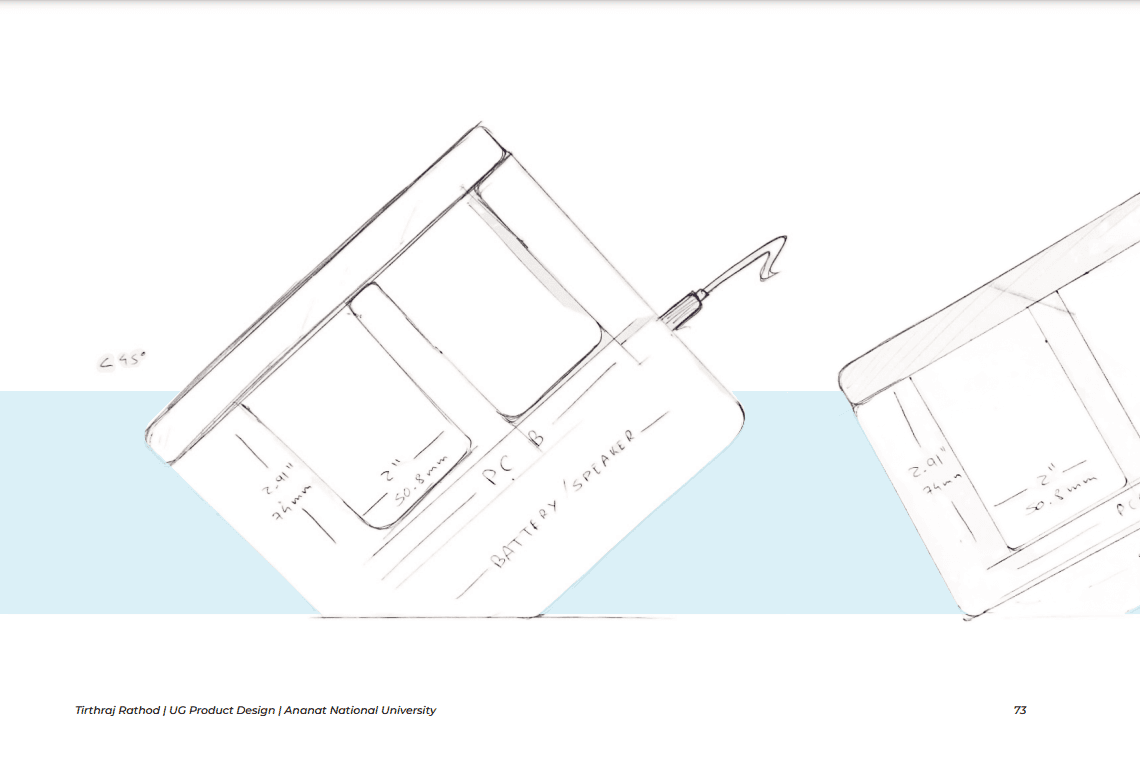
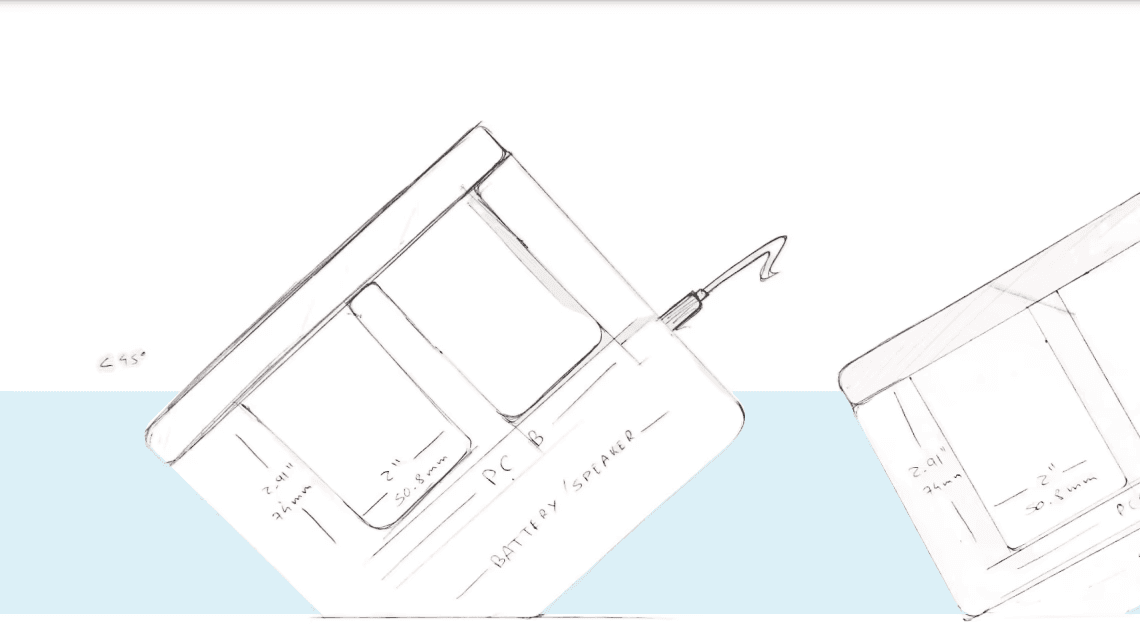
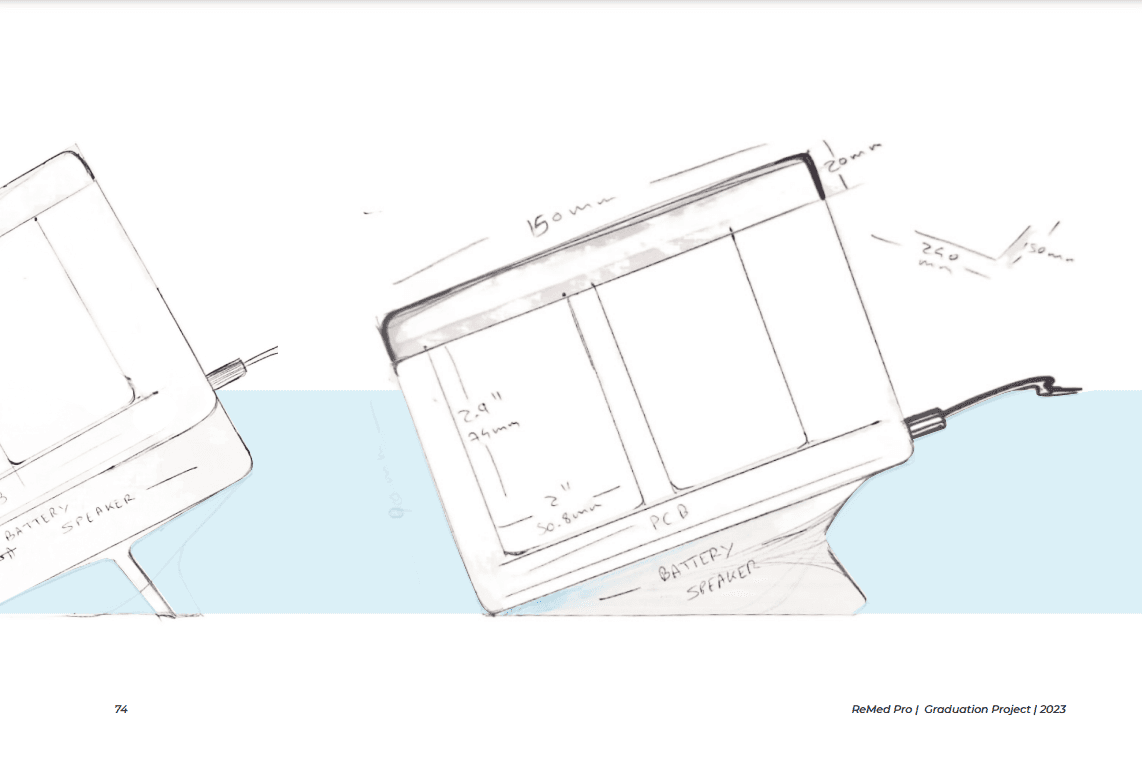
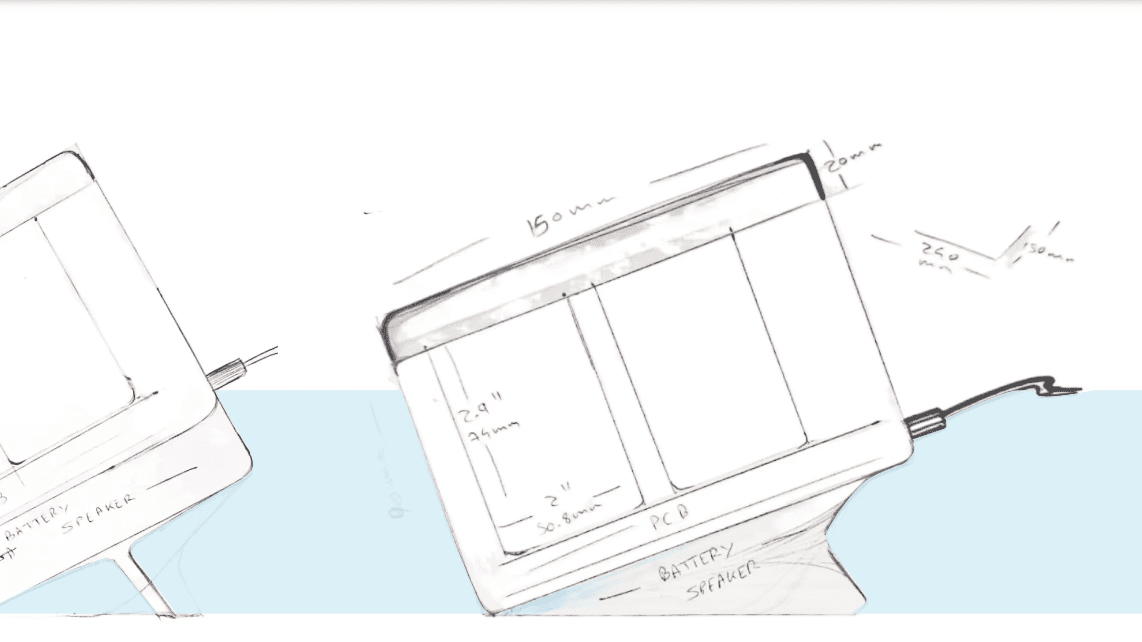
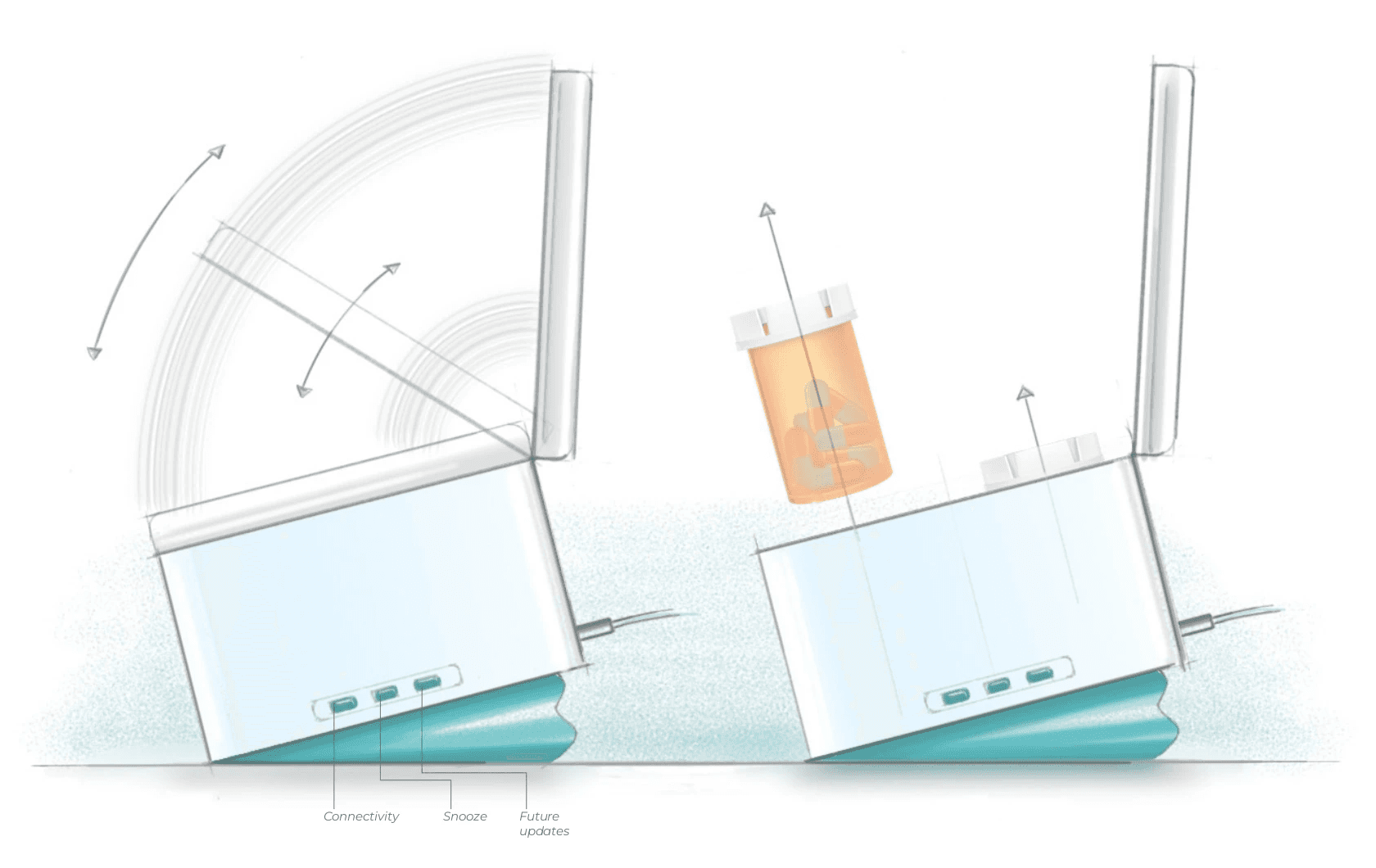
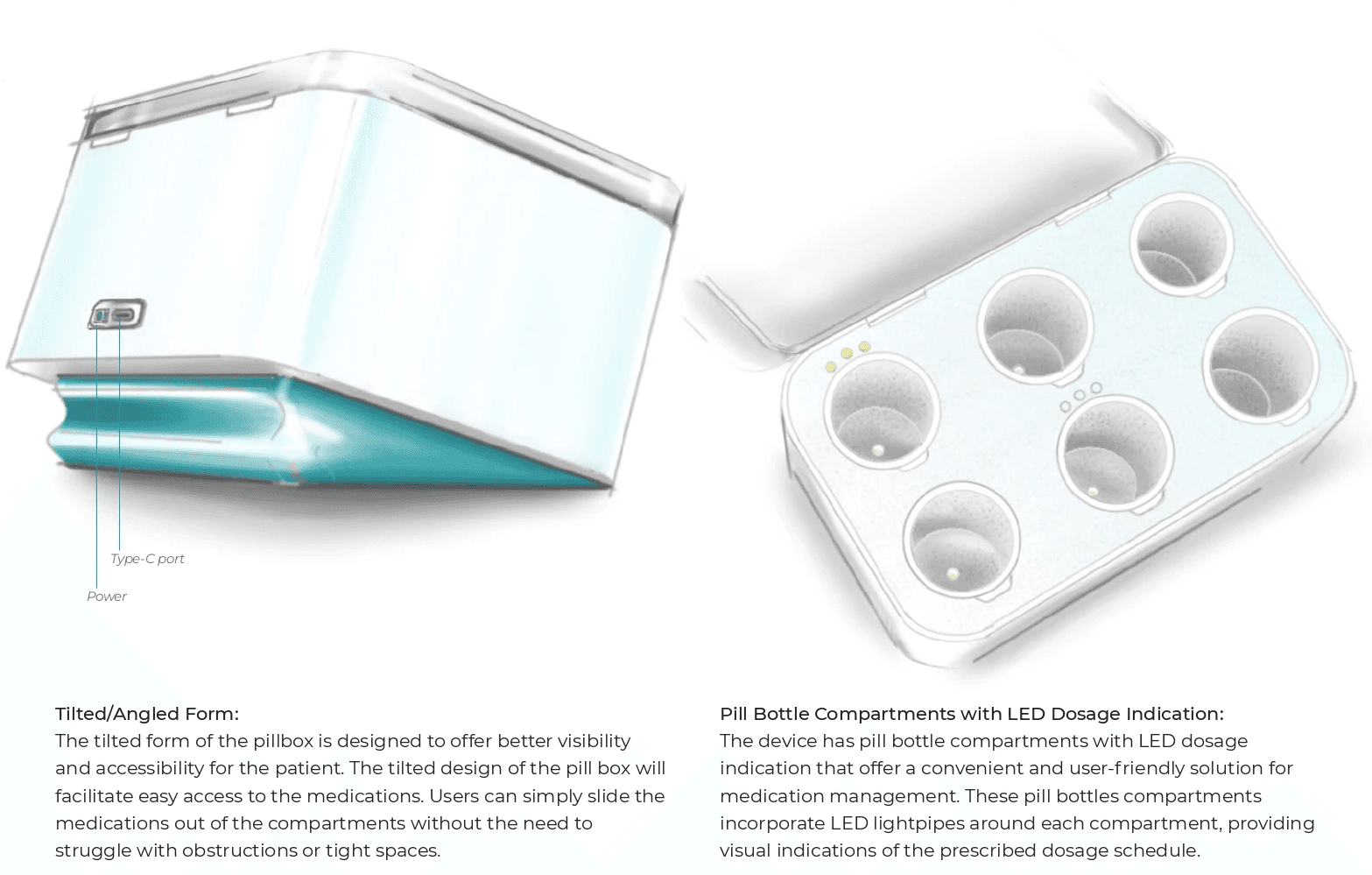
Ideation Sketches
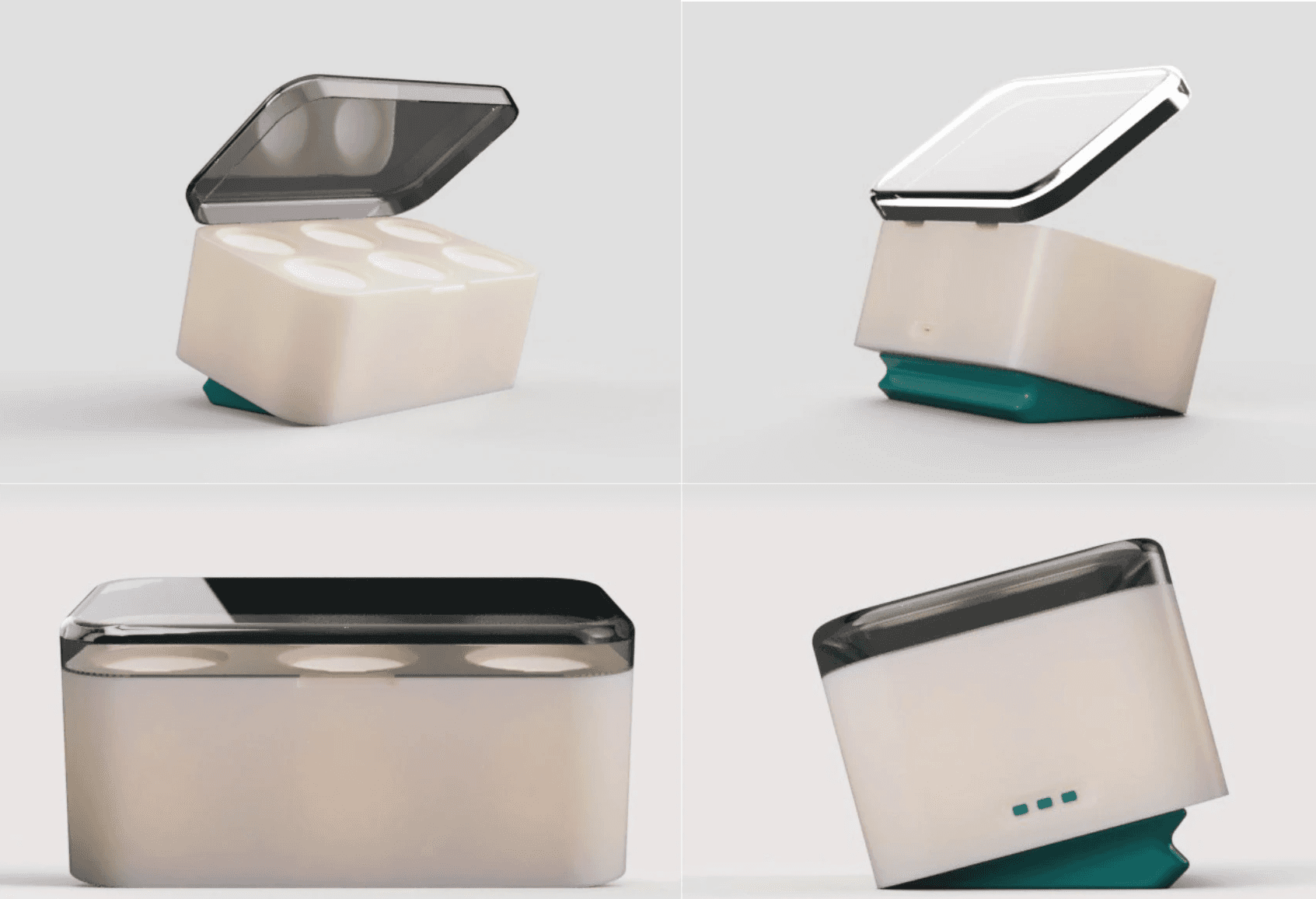
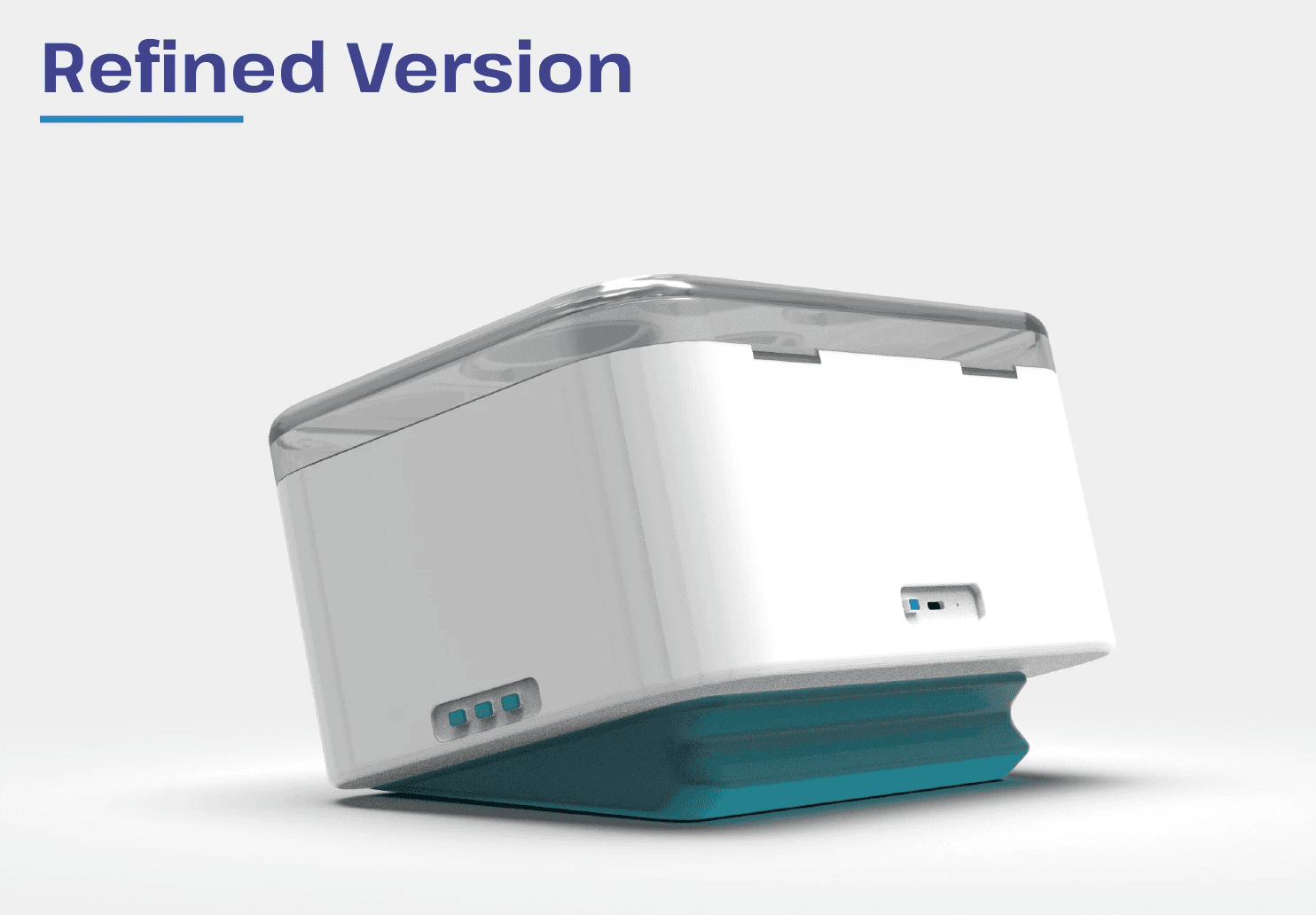
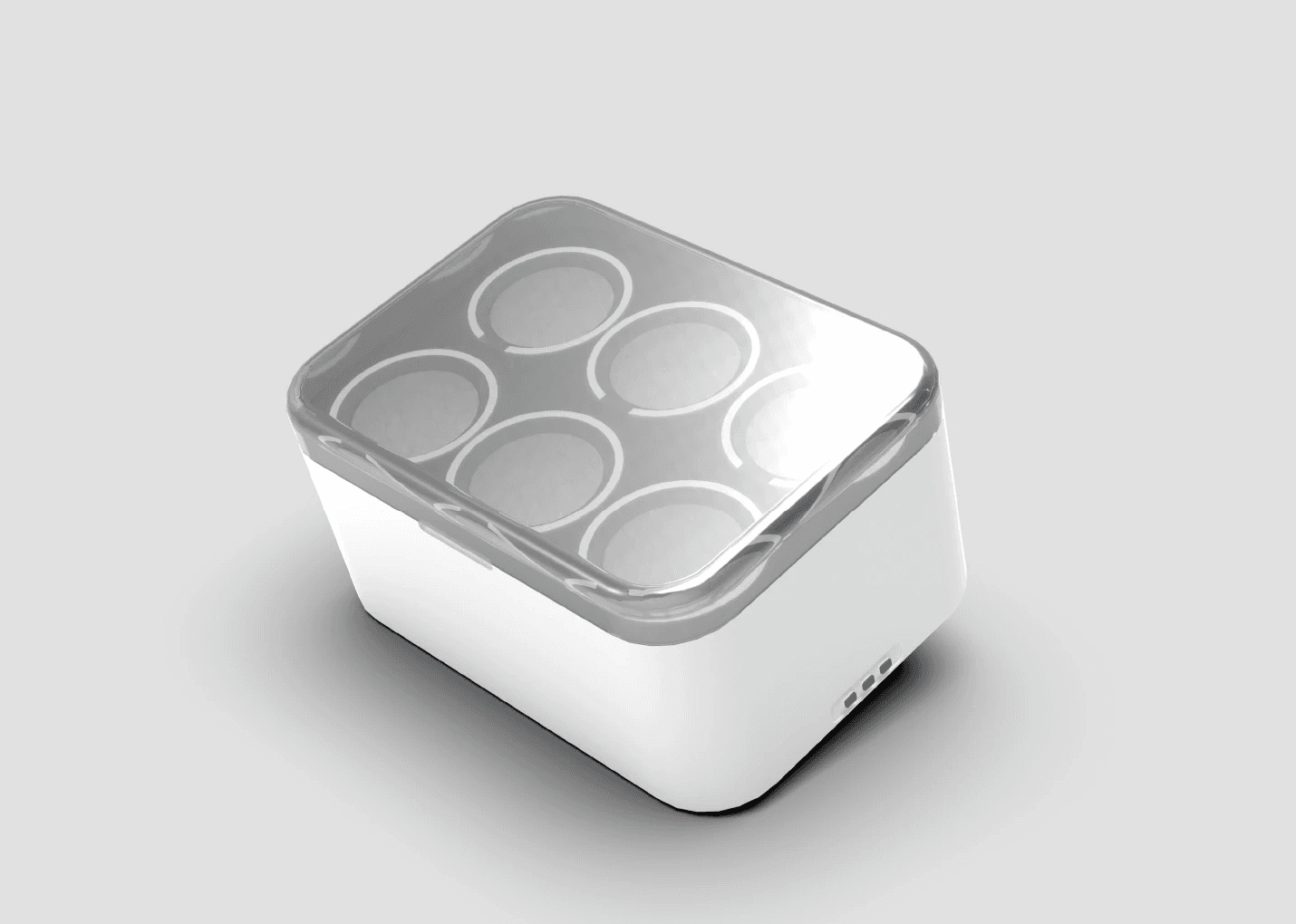
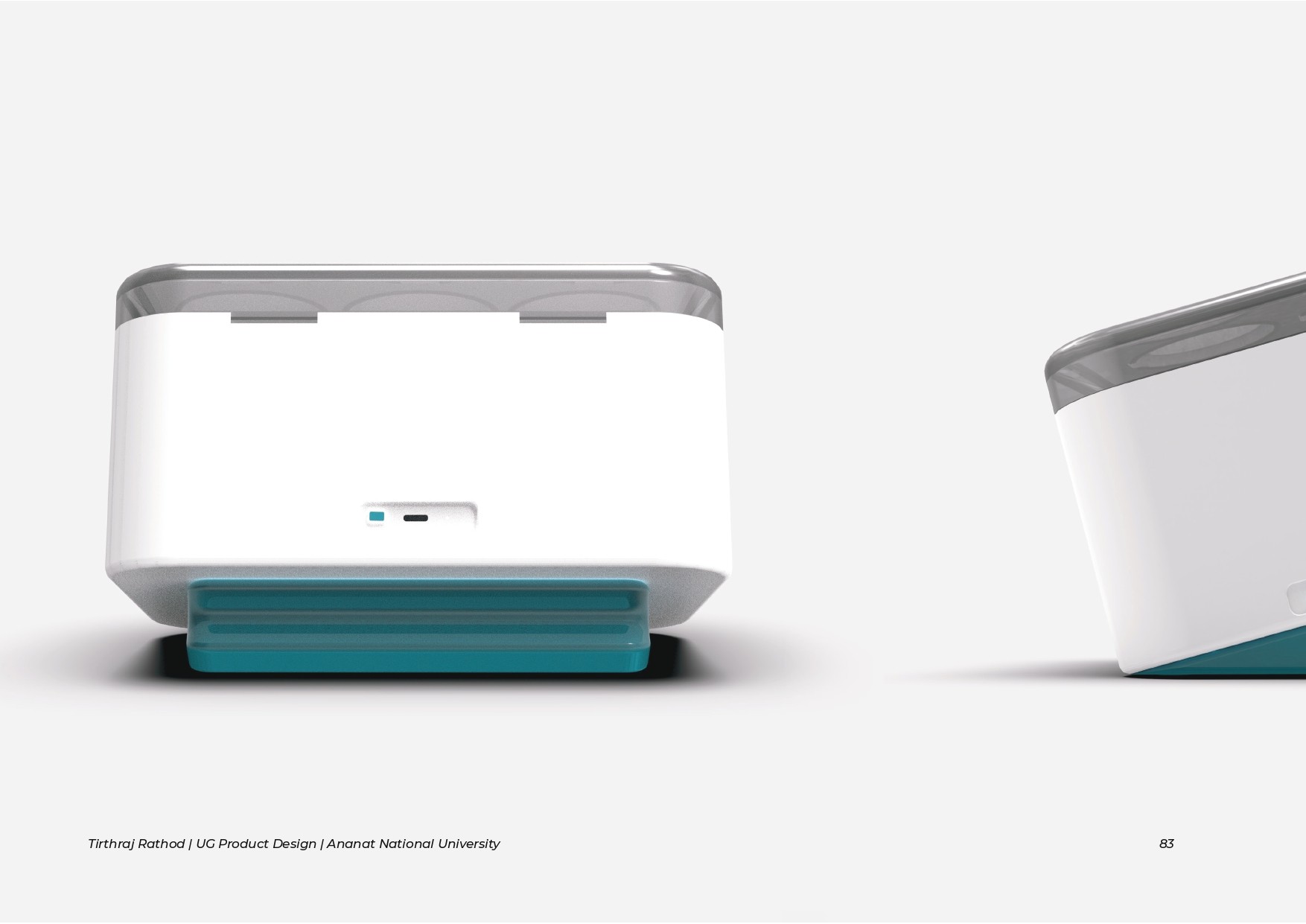
Renders
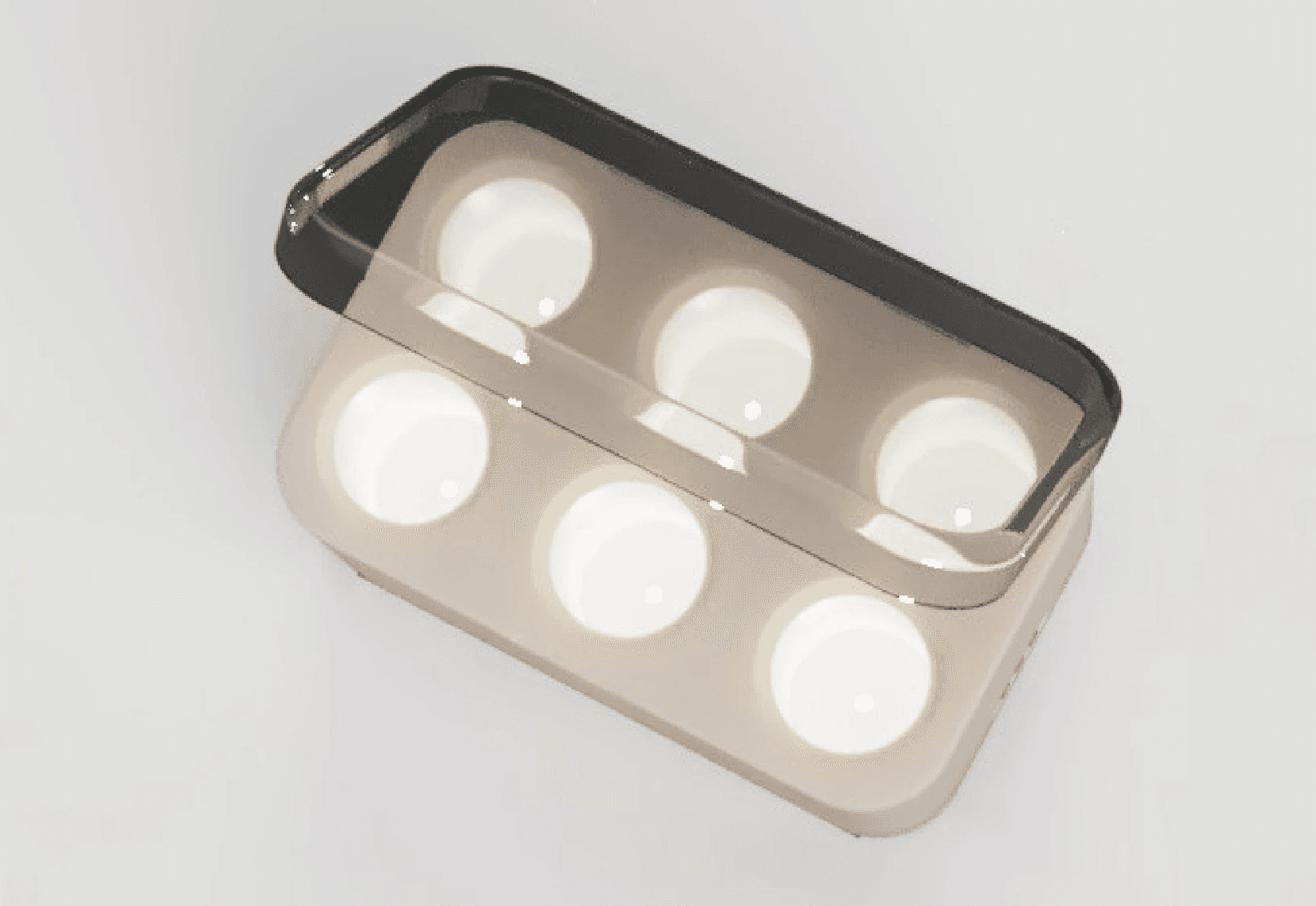
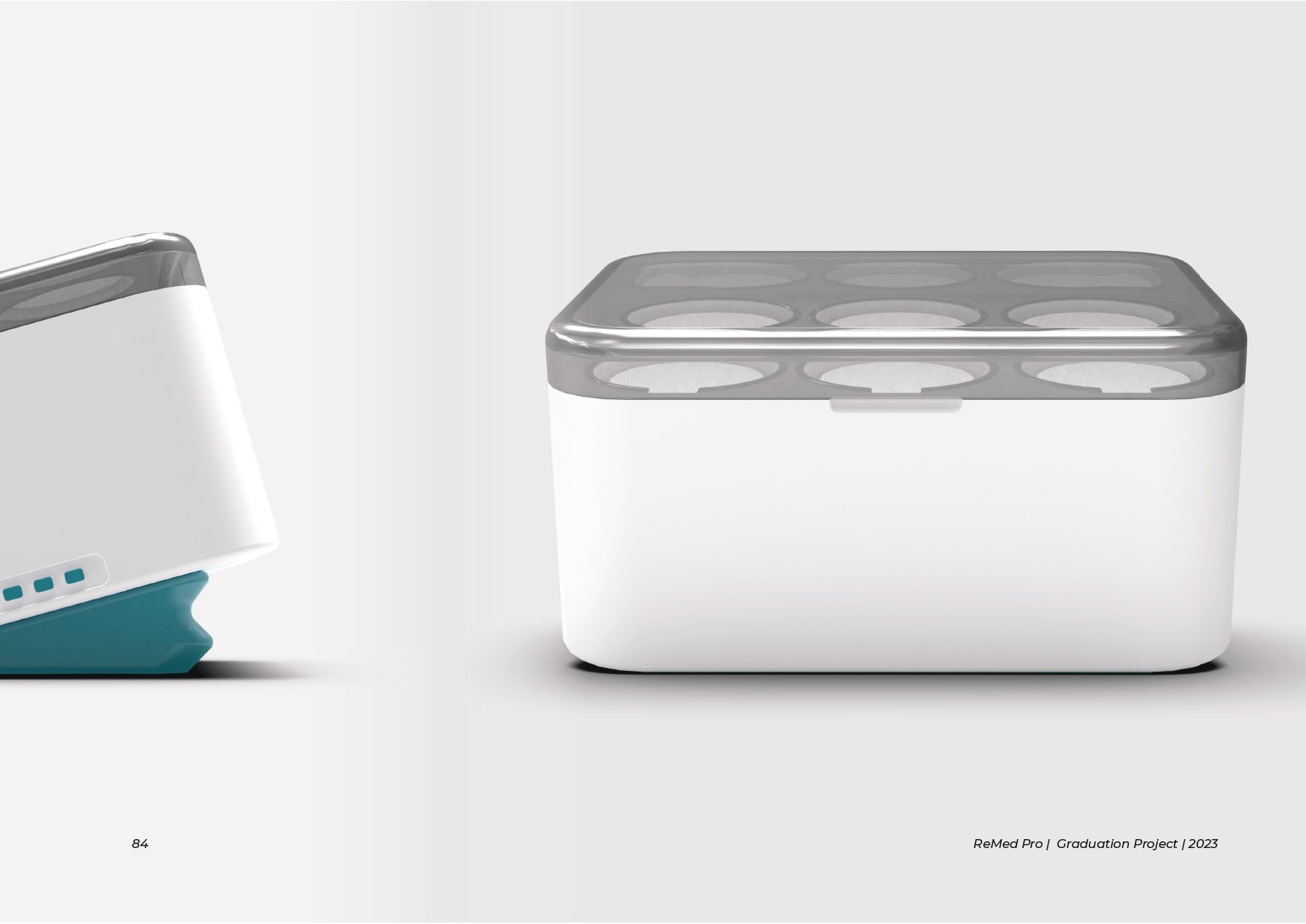
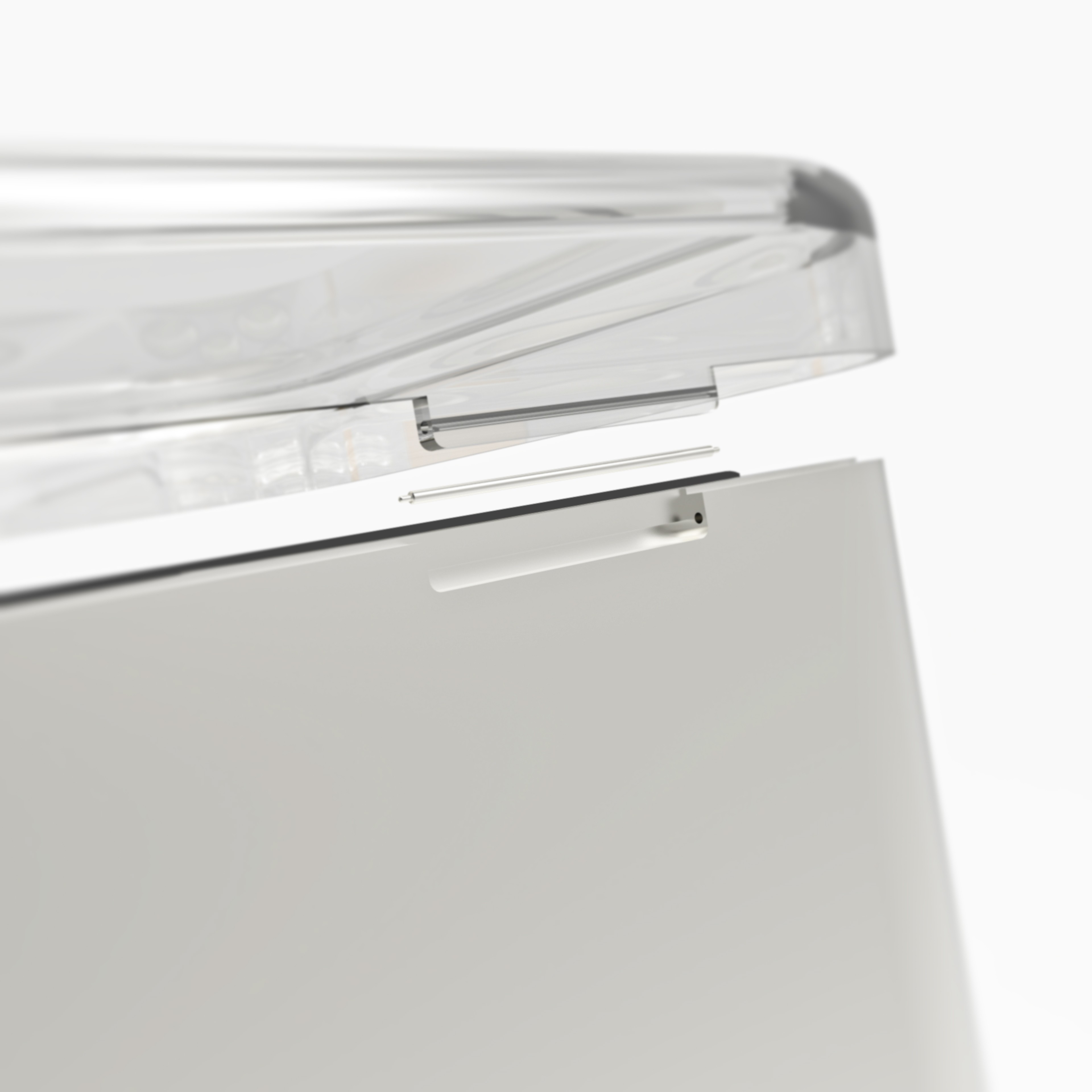
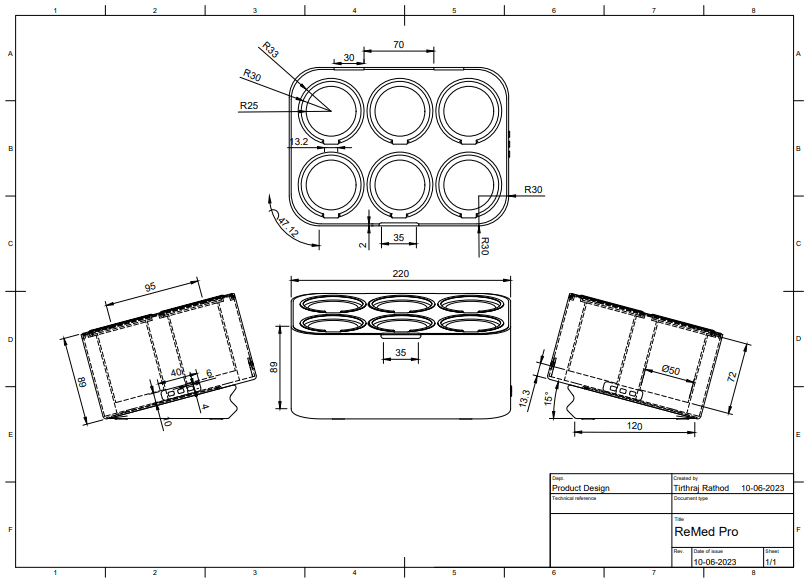
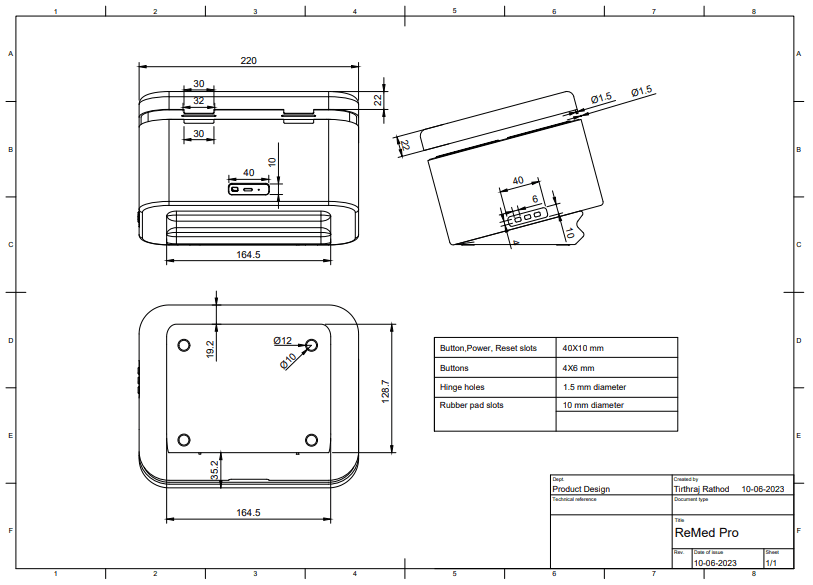
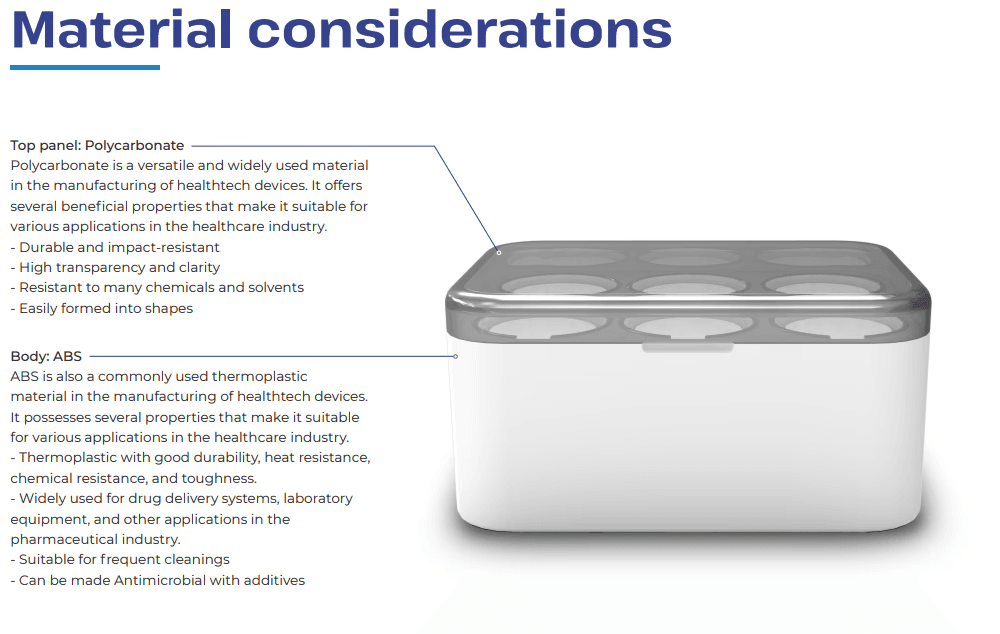
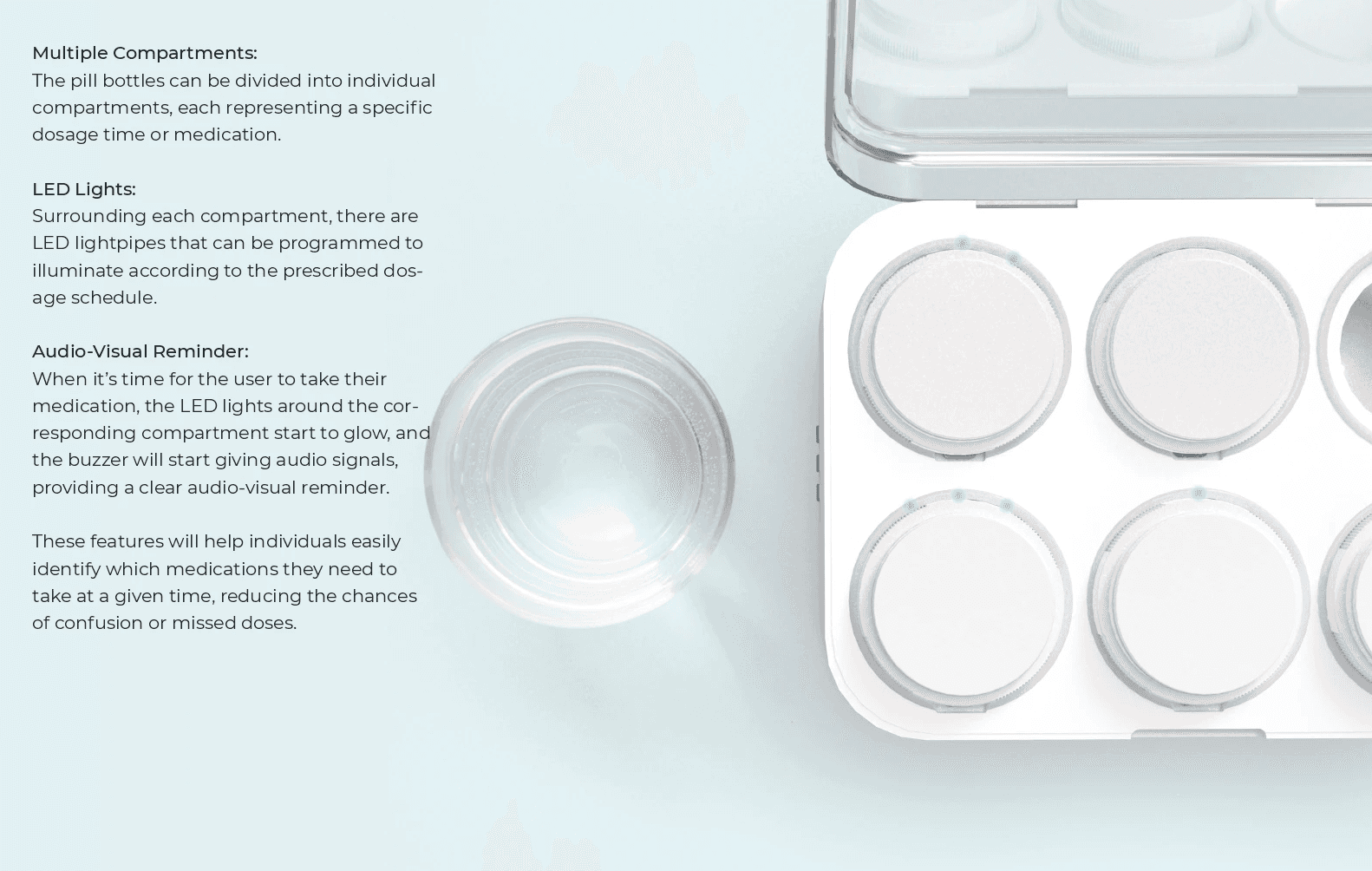
High-quality digital renderings of the ReMed Pro device, highlighting its design, features, and functionality in a visually detailed and realistic manner.
Mockup & POC
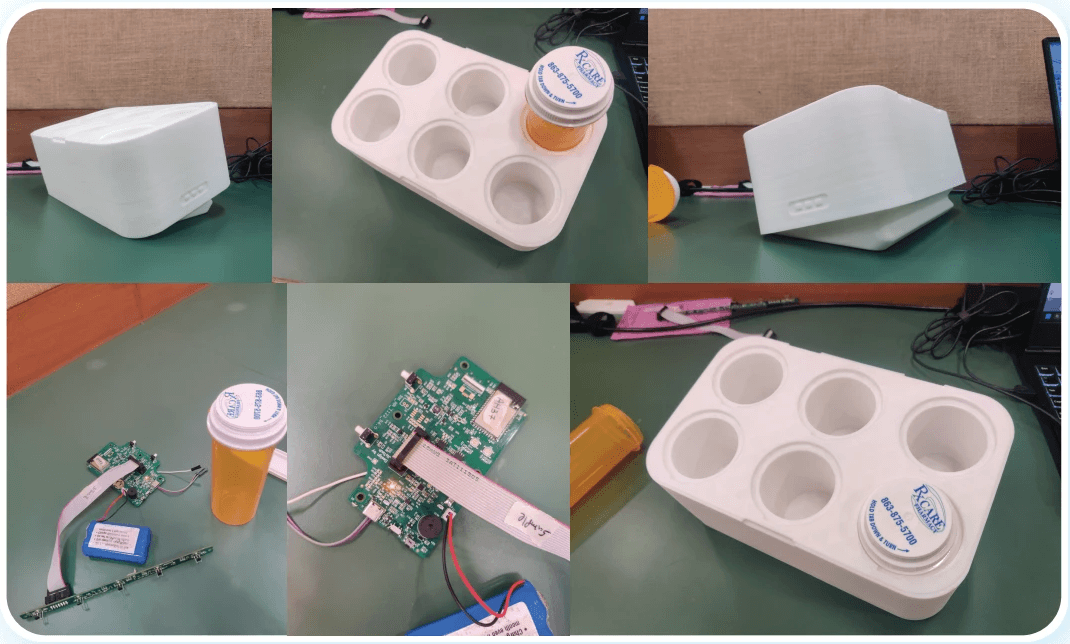
Mockups